Meet Tinycast.A small, native macOS launcher with local-first utilities.
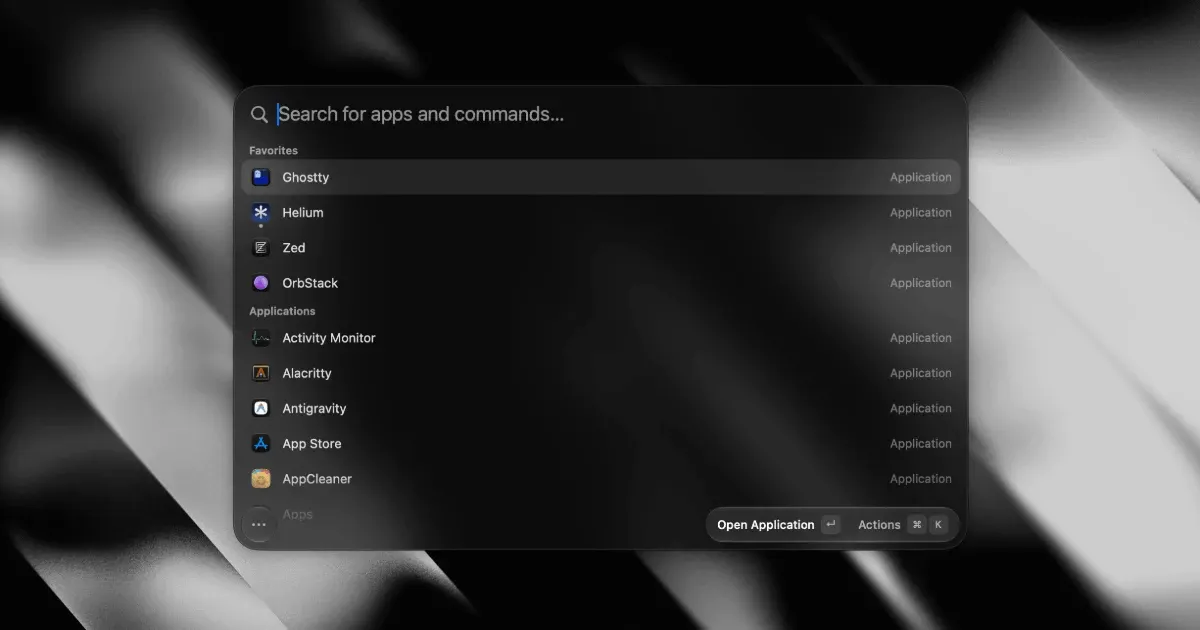
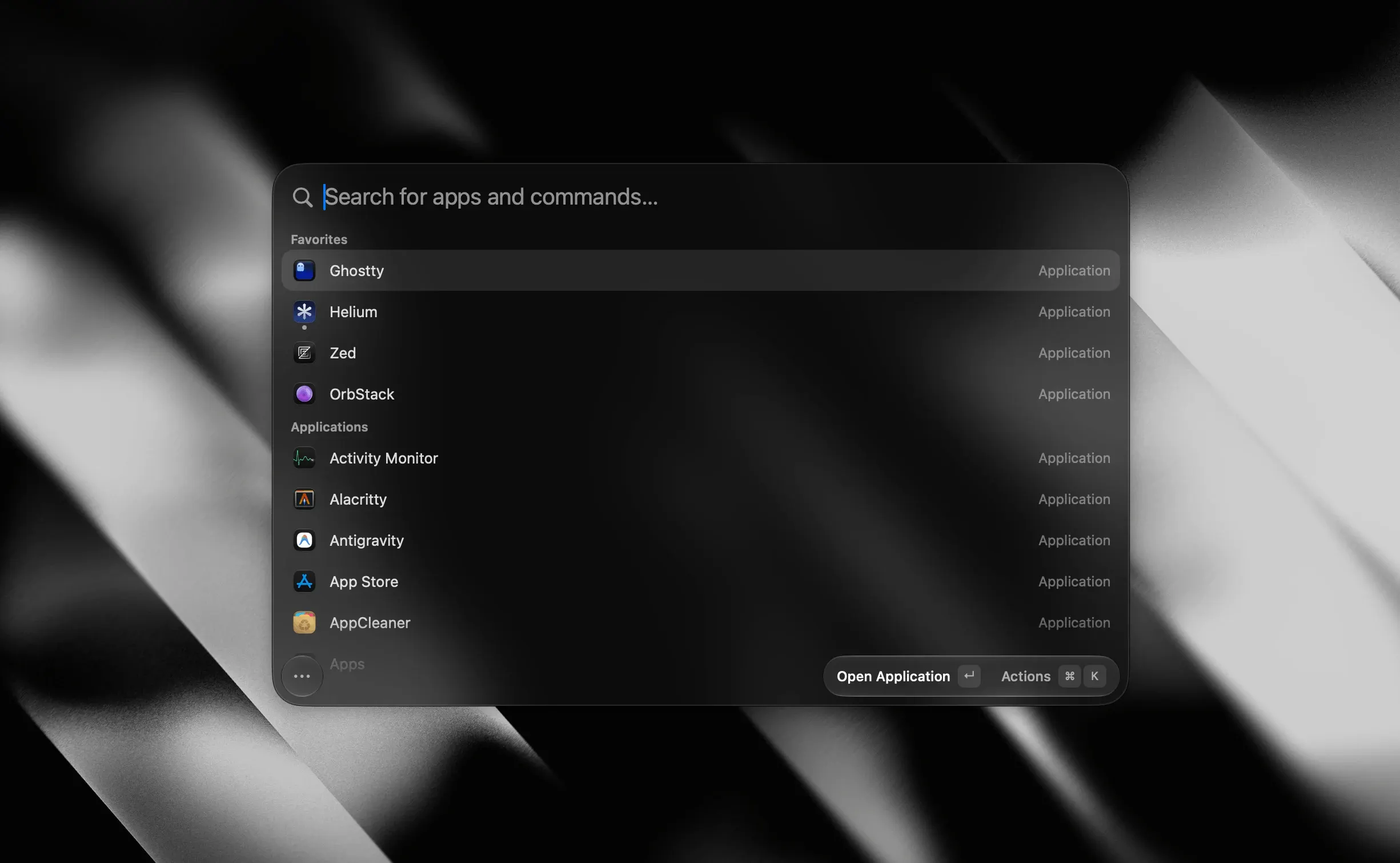
Tinycast is a free, open-source launcher for macOS that puts apps, clipboard history, calculations, files, window commands, snippets, and other everyday actions behind one keyboard shortcut. It is built with SwiftUI and AppKit rather than Electron and is designed to stay small by leaving most optional features disabled until you turn them on.
Open the palette, type what you need, and press Return to act. Tinycast can start as a straightforward app launcher and clipboard manager, then expand into a broader keyboard workflow with file search, quicklinks, system actions, saved window layouts, custom commands, and compatible Raycast extensions.
Features
- Find and launch applications, pin favorites, and quit or restart running apps from the keyboard.
- Search local clipboard history for text, images, files, and colors, with configurable retention.
- Calculate expressions and convert units, currencies, dates, and time zones inside the palette.
- Manage windows with keyboard commands for halves, thirds, nudges, displays, and saved layouts.
- Create snippets, quicklinks, per-app hotkeys, aliases, custom commands, and floating notes.
- Use optional AI chat and text actions with Apple Intelligence, supported command-line tools, or an API provider you configure.
- Install compatible Raycast extensions, which Tinycast runs with JavaScriptCore and renders using native SwiftUI.
- Import supported settings and data from a Raycast 2.0 or newer export.
Where it fits
Tinycast fits people who want a keyboard-first alternative to Spotlight, Alfred, or Raycast while preferring native Mac frameworks, low memory use, open-source code, and no required account. Its modular setup also suits users who would rather enable capabilities individually than adopt a large collection of active services at once.
The main limitation is compatibility: Tinycast requires macOS 26 or later. Direct downloads are self-signed, so the developer recommends Homebrew for installation; a manually downloaded copy requires clearing macOS's quarantine attribute before it will open.
Privacy and requirements
Tinycast requires macOS 26 or later and supports Apple silicon and Intel Macs. The developer states that it has no account or telemetry and keeps clipboard history and snippet matching on the Mac. Most features are off by default and request permissions only when used. Accessibility is needed for actions such as pasting clipboard items or expanding snippets, while calendar, automation, and other integrations can require their corresponding macOS permissions. Optional AI features can send prompts and selected content to the provider or command-line tool you configure.
Pricing
Tinycast is free and open source under the AGPL-3.0 license. The developer accepts optional one-time tips and says there is no paid Pro tier.
 Alfred
 BetterTouchTool
 Paste
Paste Raycast
 Maccy
Maccy