Meet Raycast.Your shortcut to everything.
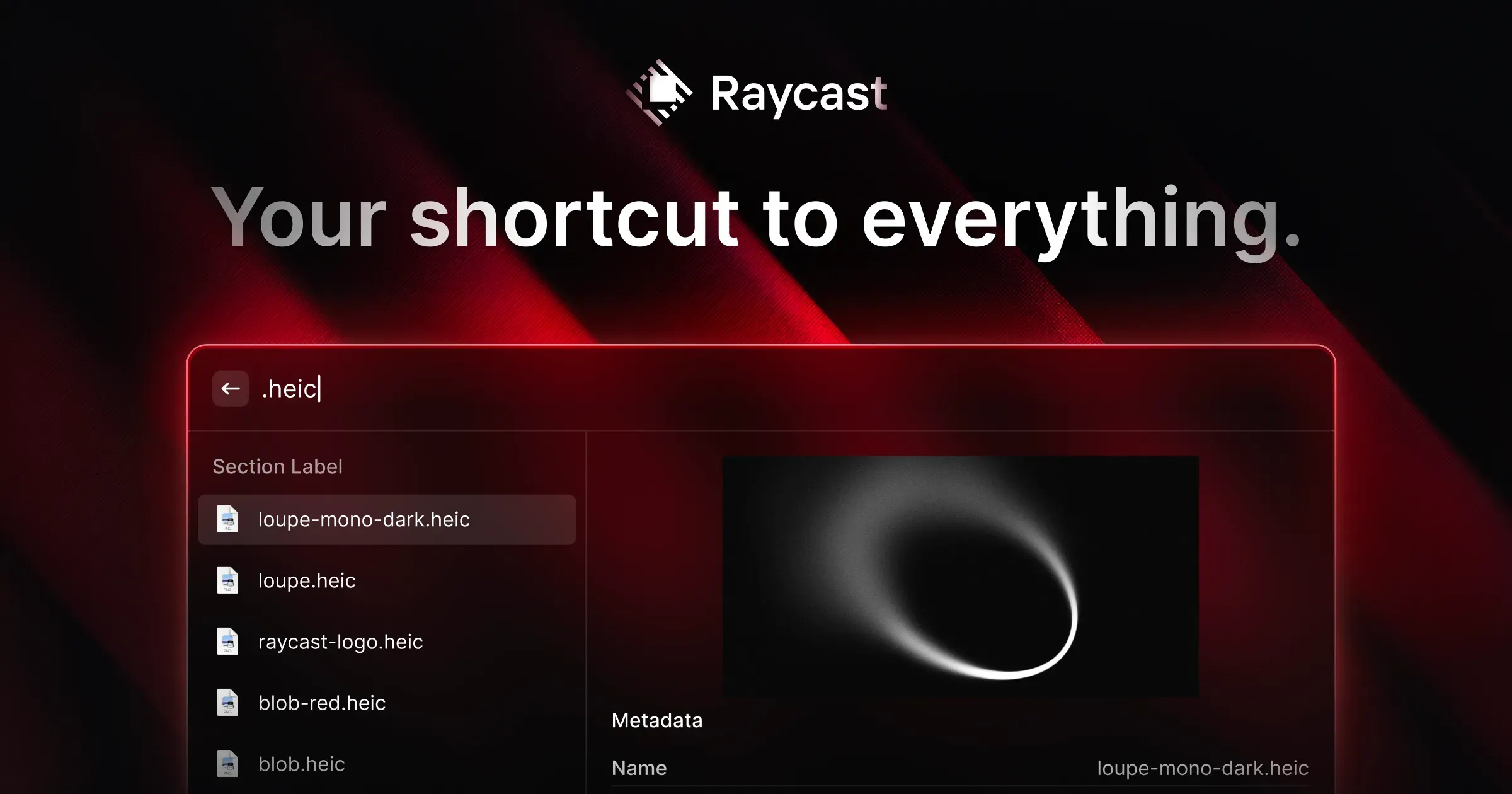
Raycast is a command launcher that turns a keyboard shortcut into a fast way to find apps, files, commands, and information on a Mac. Instead of opening an app and navigating through its interface, you search for the action you want and run it directly.
The basic launcher grows into a personal control panel through built-in tools and extensions. A typical workflow might start with opening an app, then move to a clipboard item, a saved snippet, a window command, a Quicklink, or an action from a service such as GitHub or a calendar.
Features
- Launch applications, find files, run calculations, search the web, and execute commands from one searchable interface.
- Manage clipboard history, reusable snippets, Quicklinks, window layouts, and small floating notes without opening separate utilities.
- Install extensions that expose actions from third-party services directly in the launcher, or build custom extensions and script commands for personal workflows.
- Assign aliases and hotkeys to frequent commands so routine actions can bypass search entirely.
- Use Raycast AI and cloud sync features when the selected plan and current platform support them.
- Keep the core experience usable without committing to every available tool, then add capabilities gradually as a workflow proves useful.
Where it fits
Raycast is best for people who want their Mac’s everyday actions to begin from the keyboard. It can replace Spotlight and consolidate several lightweight utilities, particularly for users who value extensions and automation.
The tradeoff is scope: the app can feel busy or over-configured if you only need a simple launcher. Dedicated apps may also provide deeper window management, note taking, or task workflows than Raycast’s built-in tools.
Privacy and requirements
Raycast's launcher and local extensions can work with data on the Mac, while accounts, settings sync, AI, cloud features, and networked extensions send information to Raycast or third-party services. Extensions can request access to files, applications, calendars, and APIs. Review each extension and AI command before giving it credentials or private context.
Pricing
Raycast includes a free tier. Pro $10/month.
 Alfred
 BetterTouchTool
 ChatGPT
 Paste
Paste Pieoneer
 PopClip