Meet Alfred.Boost your efficiency with hotkeys, keywords, text expansion and more.
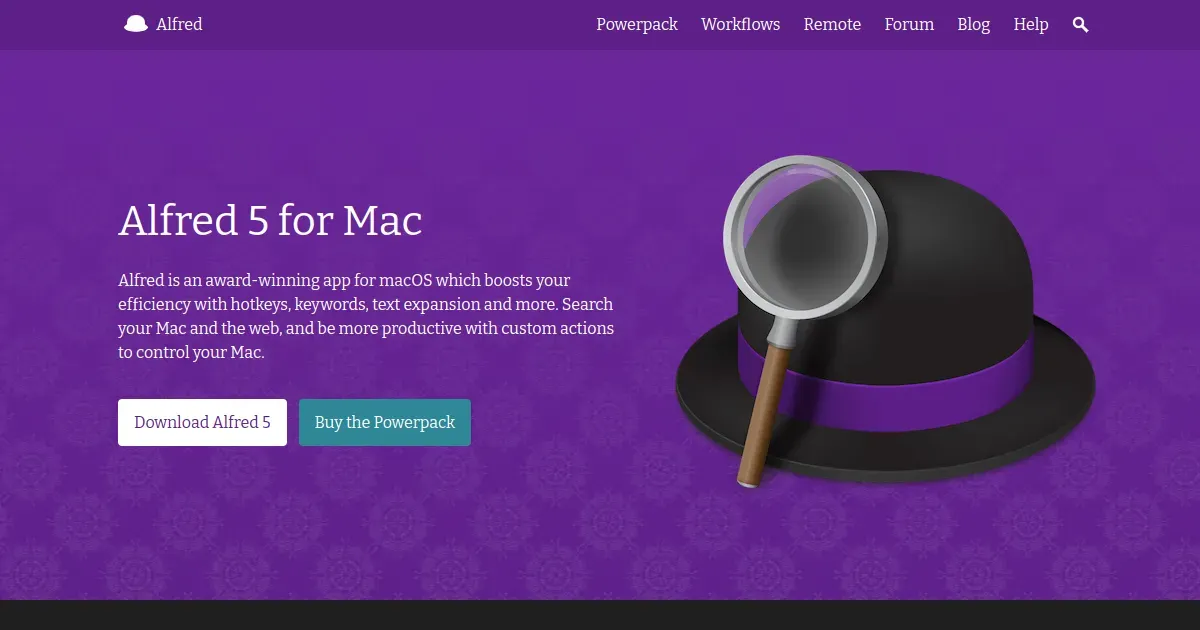
Alfred is a keyboard-driven productivity launcher for macOS. It starts as a fast way to open apps and find files, then expands through search, clipboard history, snippets, workflows, web commands, system controls, and custom automation.
Invoke Alfred with its hotkey, type the app, file, contact, calculation, or command you want, and act without leaving the keyboard. The optional Powerpack unlocks the deeper workflows that let experienced users connect scripts, apps, services, and recurring personal actions.
Features
- Launch applications, find files, search the web, calculate, and run system commands from a keyboard-driven interface.
- Use clipboard history and text snippets to retrieve or reuse copied material.
- Create workflows that combine keywords, hotkeys, scripts, apps, files, web requests, and output actions.
- Add custom web searches, quick actions, file navigation, and personal commands.
- Unlock advanced productivity tools such as workflows and clipboard history with the current Powerpack license.
Where it fits
Alfred fits Mac users who want a fast, private-feeling launcher and enjoy building keyboard shortcuts around their own workflow. It can complement or replace parts of Spotlight, while coexisting with tools such as Raycast.
Its automation potential comes with configuration time. Start with launch, search, and a few snippets, then add workflows only after a repeated task proves worth automating.
Privacy and requirements
Alfred 5 supports macOS 10.14 or later on Intel and Apple silicon. Core launching and local search happen on the Mac, while web searches, third-party workflows, and connected services can transmit queries or selected data to their respective providers. Review community workflows before installing them, particularly when they contain scripts or request broad file access.
Pricing
Alfred includes a free tier. Powerpack £34 one-time purchase.
 Pieoneer
 Raycast
 Maccy
Maccy Tinycast
 rcmd
rcmd