Meet rcmd.Switch apps and windows with the Right Command key.
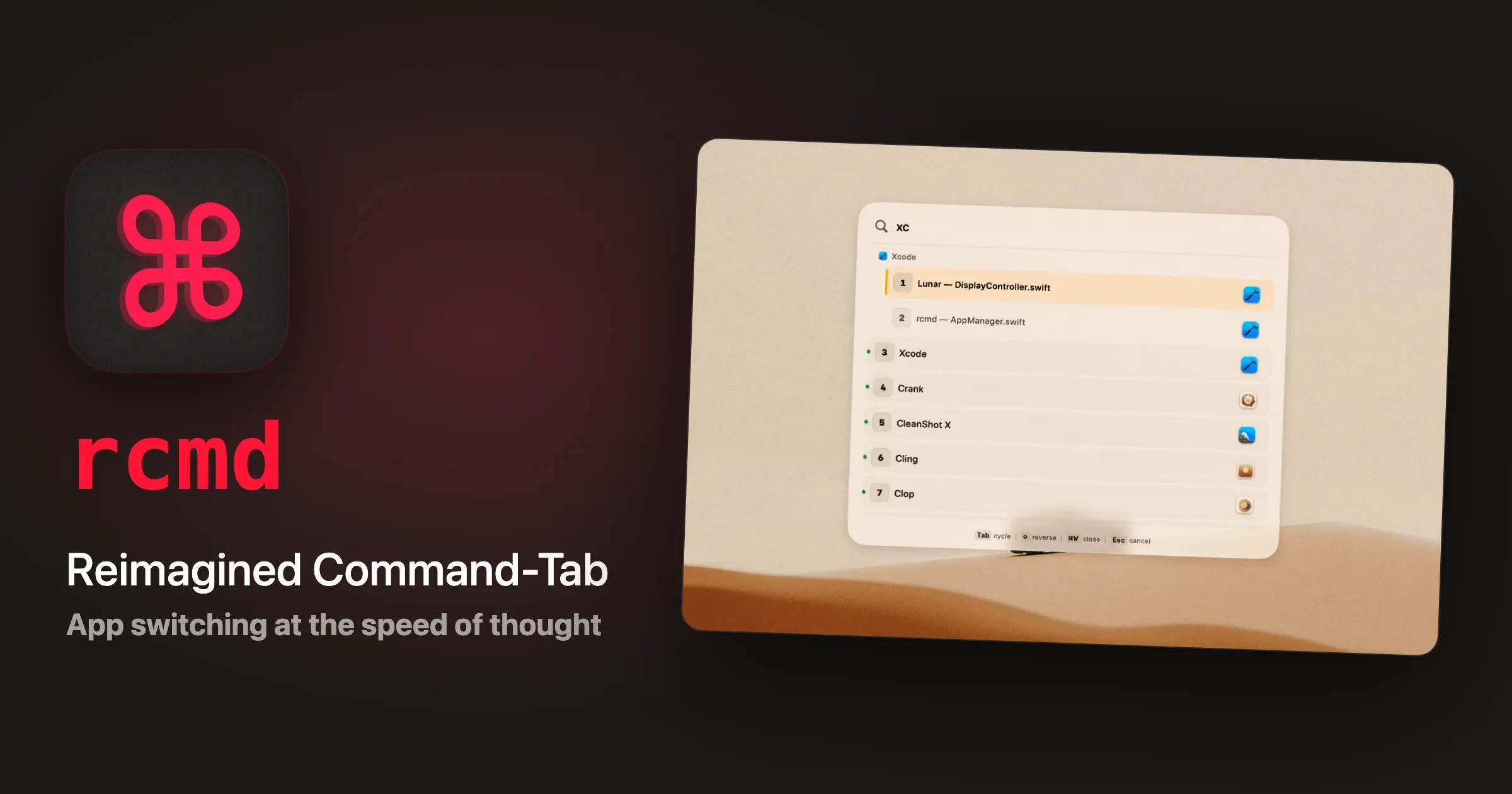
rcmd is a keyboard-driven Mac app switcher built around the Right Command key. Hold Right Command and press the first letter of an application's name to focus it immediately; if the app is not running, the same shortcut can launch it. Left Command remains available for normal macOS shortcuts.
The app automatically assigns letters, supports custom assignments, and expands beyond app switching with fuzzy window search, Command-Tab replacement, Spaces navigation, and saved workspaces called Stages. Its free mode keeps the core instant-switching workflow available after the Pro trial ends.
Features
- Focus or launch an app by holding Right Command and pressing an assigned letter.
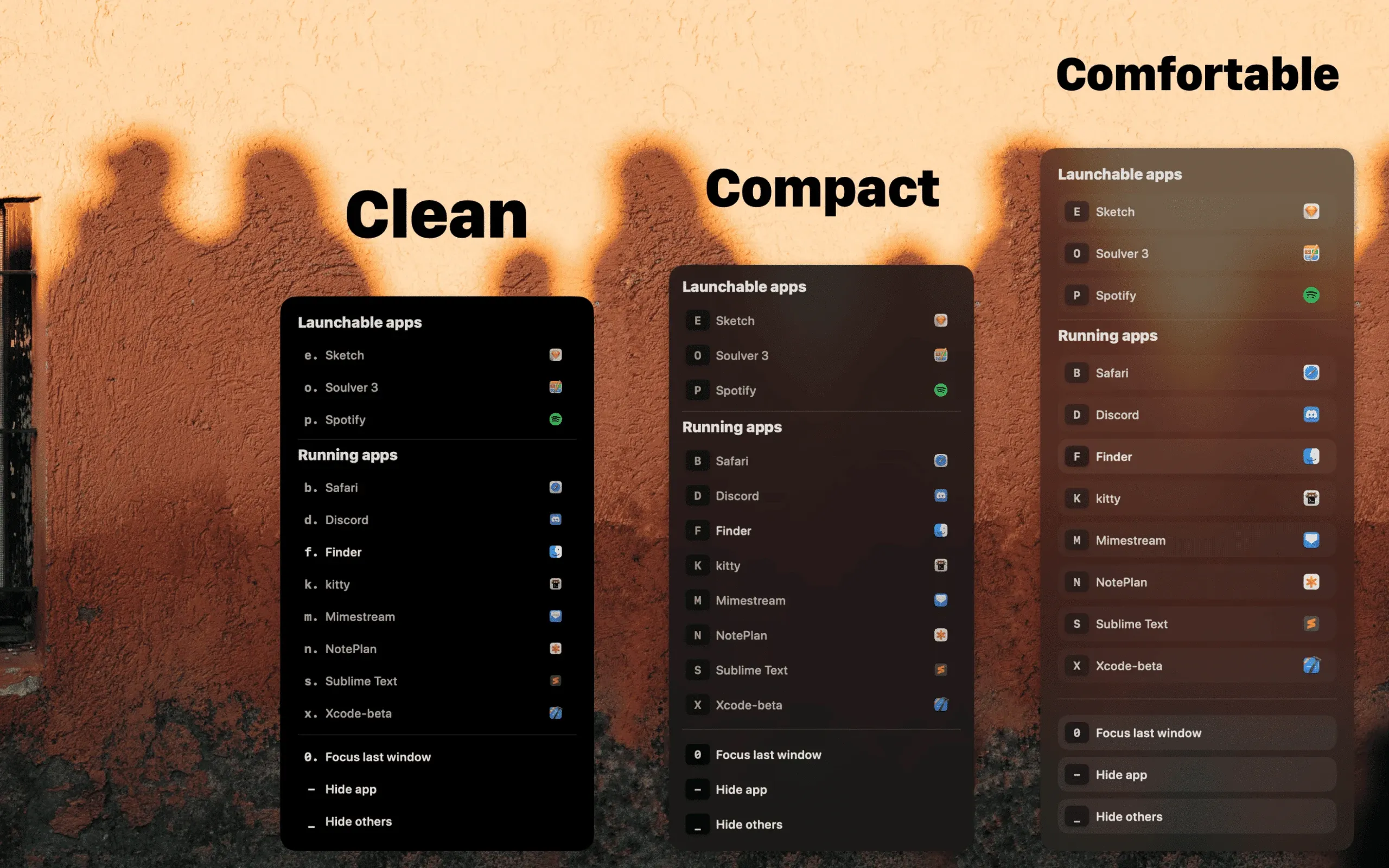
- Assign custom keys, cycle between apps that share a letter, and view optional on-screen key hints through Keylume.
- Fuzzy-search installed apps and open windows without opening a separate launcher first.
- Replace Command-Tab with a window-aware cycle that can exclude minimized windows or windows on other Spaces.
- Cycle through windows of the same app, or close, quit, and hide items from the switcher.
- Jump directly to numbered Spaces, move the focused window between Spaces, and navigate to adjacent Spaces.
- Save groups of apps and windows as Stages, then restore their files, URLs, positions, and displays when supported by the underlying apps.
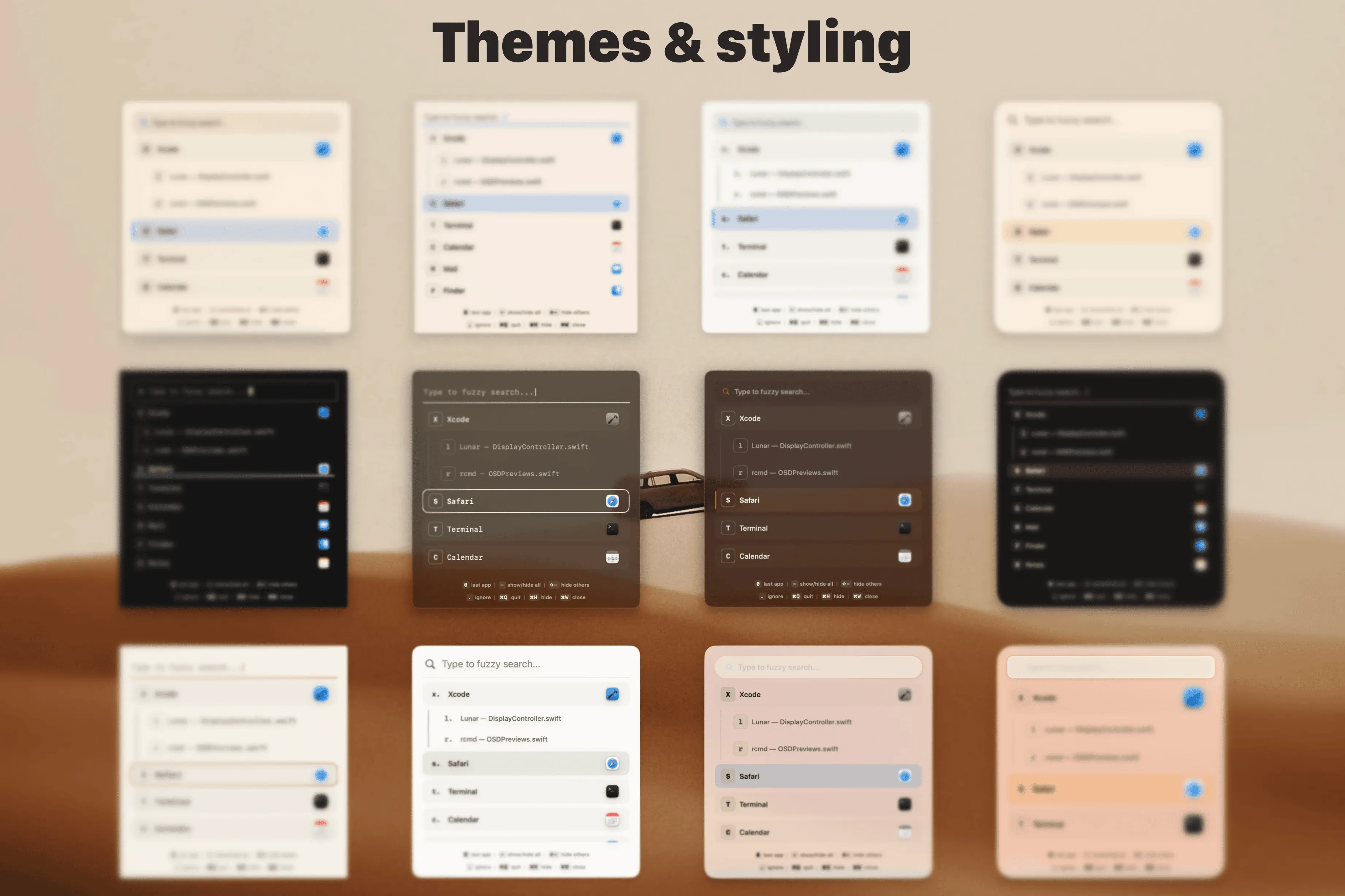
- Customize the switcher's themes, behavior, trigger key, activation timing, and mouse-following options.
Where it fits
rcmd fits people who switch among many Mac apps and windows throughout the day and want direct, memorable shortcuts instead of repeatedly cycling through Command-Tab. Its search, Spaces controls, and Stages can also consolidate parts of a launcher and window-management workflow.
The deeper window and Spaces features depend on macOS accessibility interfaces and system behavior that can be imperfect. Some apps cannot expose enough state for a Stage to restore a document or window precisely, and macOS can override where a window opens or which Space receives focus.
Privacy and requirements
rcmd requires macOS 13 Ventura or later. It requests Accessibility access for controlling apps and windows, Screen Recording access to read open-window titles and provide window features, and Automation access for supported app interactions. The developer states that Screen Recording access is not used to record or capture the screen.
The app stores assignments, Stages, and settings locally in a readable YAML configuration file. License activation requires network access to Paddle, the licensing provider. As with any utility that can inspect window titles and control other applications, review the requested permissions and enable only the features you intend to use.
Pricing
rcmd includes a 14-day trial of Pro without requiring a credit card. After the trial it continues in a free mode with instant app switching and core key assignments. A lifetime Pro license costs €15 and can be activated on up to five personal Macs.
 Alfred
 BetterTouchTool
 Pieoneer
 Raycast
 Rectangle