Meet Rectangle.Move and resize windows in macOS using keyboard shortcuts or snap areas.
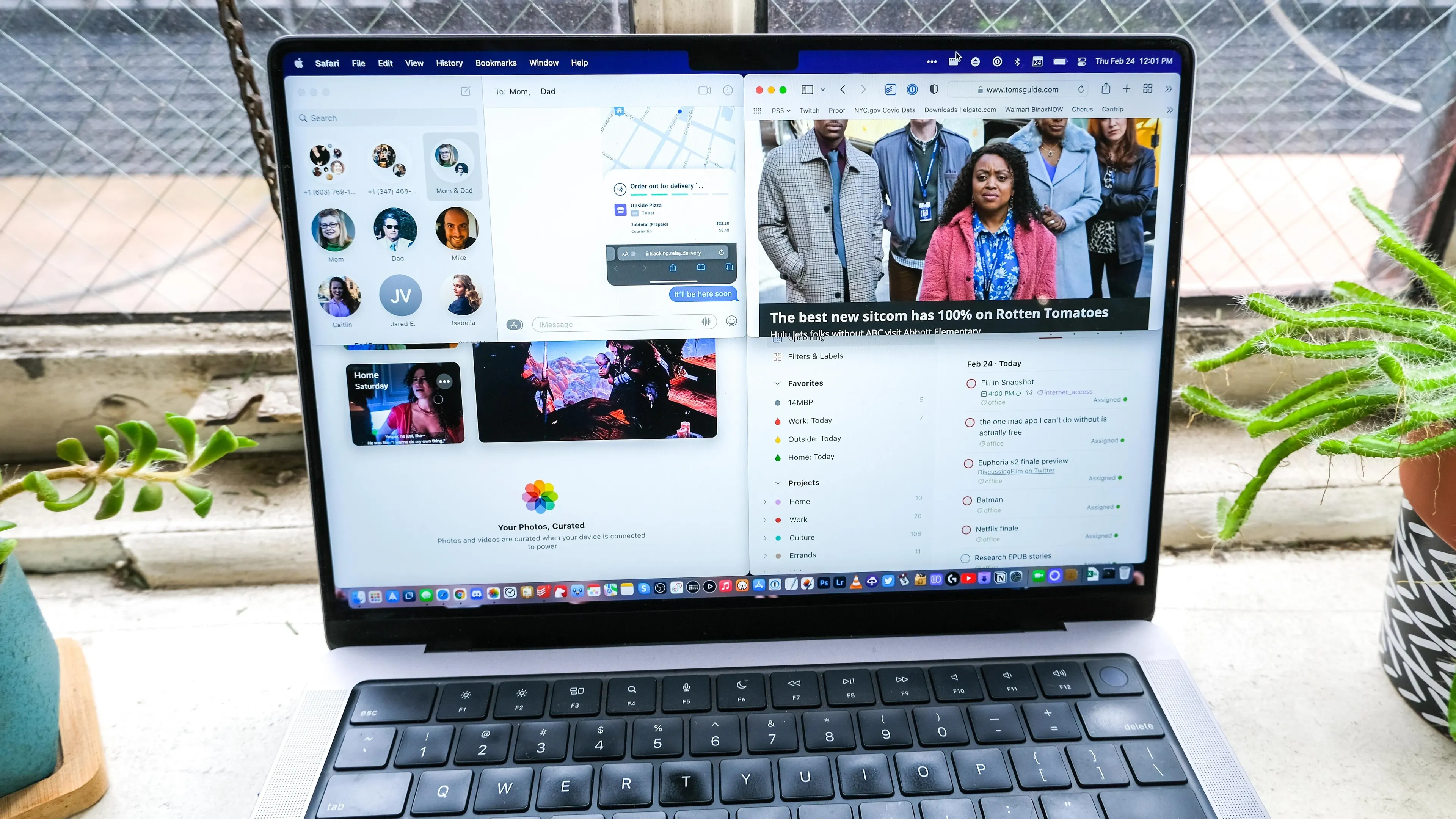
Rectangle is a free, open-source window manager for macOS. It moves and resizes windows through keyboard shortcuts or snap areas, making repeatable layouts faster than manually dragging window edges into place.
Send a window to the left or right half of a screen, place it in a corner, center it, maximize it, or use a proportion that suits a particular display. This is useful when a browser, document, terminal, chat window, and reference material need consistent positions across a normal workday.
Features
- Move and resize windows with keyboard shortcuts or configurable snap areas.
- Place windows in common layouts including halves, corners, thirds, center, and maximize.
- Use a free, open-source utility that supports both Apple Silicon and Intel Macs running supported macOS versions.
- Configure window-management behavior around a personal set of repeated layouts.
- Upgrade separately to Rectangle Pro only if custom positions and its additional workflow features are needed.
Where it fits
Rectangle fits people who repeatedly arrange two or more windows and want a lightweight keyboard-first way to do it. It is a natural companion for large displays, external monitors, or focused split-screen work.
It is unnecessary when macOS’s built-in tiling is sufficient. Keep its shortcuts small and memorable, especially when using other productivity tools that reserve the same key combinations.
Privacy and requirements
Rectangle supports macOS 10.15 or later on Intel and Apple silicon and publishes its source code. It needs Accessibility permission to move and resize other applications' windows, but the free core app does not require an account. Disable overlapping window-management shortcuts before deciding whether a layout problem comes from Rectangle or another utility.
Pricing
Rectangle is free and open source.
 BetterTouchTool
 Magnet
 Swish
Swish rcmd
rcmd