
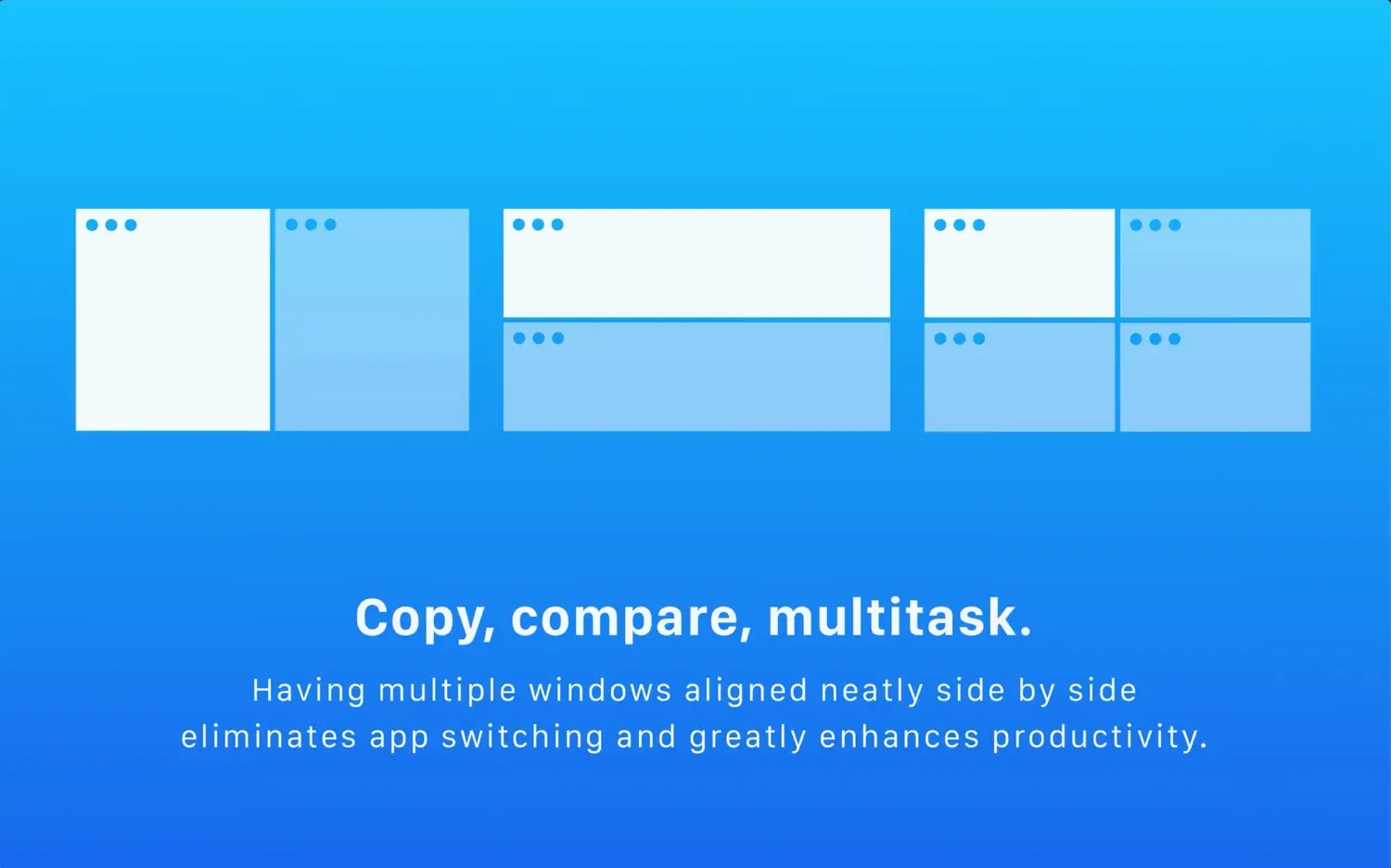
Magnet is a macOS window manager that moves and resizes windows into predictable screen regions using keyboard shortcuts, menu-bar controls, or dragging to screen edges. It makes a tiled workspace possible without manually sizing every window or entering full-screen mode.
Send a document to one half of the screen, put a browser beside it, or arrange windows across an external display with a single command. This is useful for comparison, writing beside reference material, communication beside work, and any setup that repeatedly uses the same screen geometry.
Features
- Snap windows to halves, thirds, corners, and other screen regions through shortcuts and edge dragging.
- Move and resize windows quickly without manually dragging each edge.
- Use menu-bar access for layouts that do not need a remembered keyboard shortcut.
- Arrange windows across attached displays according to the current Mac configuration.
Where it fits
Magnet fits people who routinely work with two or more apps side by side and want a simple, dedicated tiling layer. It is useful on large displays and laptops with an external monitor.
It is not necessary if the built-in macOS layouts already cover the workflow. Check for shortcut conflicts with other window managers before enabling it.
Privacy and requirements
Magnet requires macOS Accessibility permission to move and resize other applications' windows. Its App Store disclosure says it does not collect personal data, and optional iCloud sync can carry layout preferences between Macs. The current version supports recent macOS releases; verify shortcut behavior against built-in tiling and other window managers before enabling overlapping controls.
Pricing
Magnet costs $4.99 for a one-time license.
 BetterTouchTool
 Rectangle
 Swish
Swish