
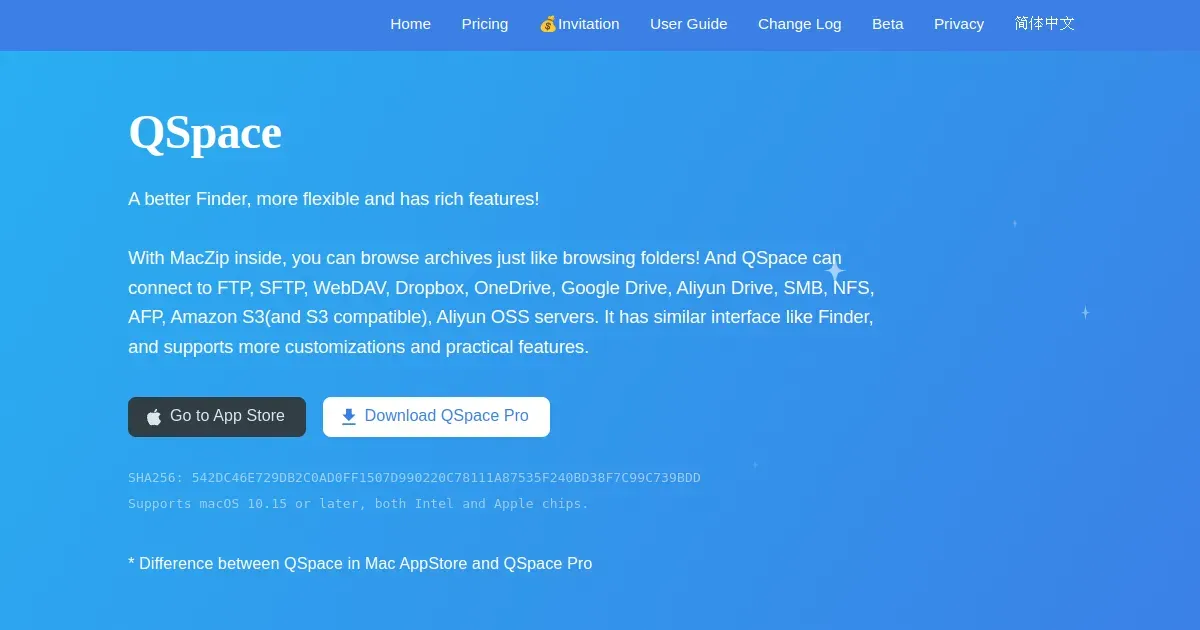
QSpace is a multi-pane file manager for macOS that extends Finder-style browsing with tabs, dual panes, shortcuts, and richer file operations. It is made for people who regularly move, compare, organize, or inspect files and want to keep more than one location visible at a time.
Open folders in tabs or panes, drag material between them, and use the additional controls when a single Finder window becomes too slow for repeated file work. It is useful for projects with assets spread across drives, downloads that need sorting, and routine file transfer work.
Features
- Browse files in multiple tabs and panes to compare or move material without repeatedly opening Finder windows.
- Use enhanced file-management controls for copying, moving, organizing, and navigating common locations.
- Keep frequently used folders and workflows accessible through a more configurable interface than basic Finder browsing.
- Work with local and attached storage through the normal macOS file system.
Where it fits
QSpace fits people who spend substantial time organizing files, working between folders, or handling assets across drives. It can complement Finder or replace it for selected workflows.
It does not replace backups or careful file naming. Start with a small number of tabs and panes so the interface remains clearer than the Finder setup it is meant to improve.
Privacy and requirements
QSpace supports macOS 10.15 or later on Intel and Apple silicon. Local file work stays on the Mac, while FTP, SFTP, cloud-drive, and server extensions send credentials and data to configured services. The developer's privacy policy lists account email, app and macOS versions, IP address, user ID, device ID, and payment information among collected data.
Pricing
QSpace includes a free tier. From $12.99 one-time purchase; extensions sold separately.
 Blip
Blip Bloom
Bloom DaisyDisk
 Droppy
 The Unarchiver
 Dropover