Meet DaisyDisk.Free up disk space by finding and removing large, unused files.
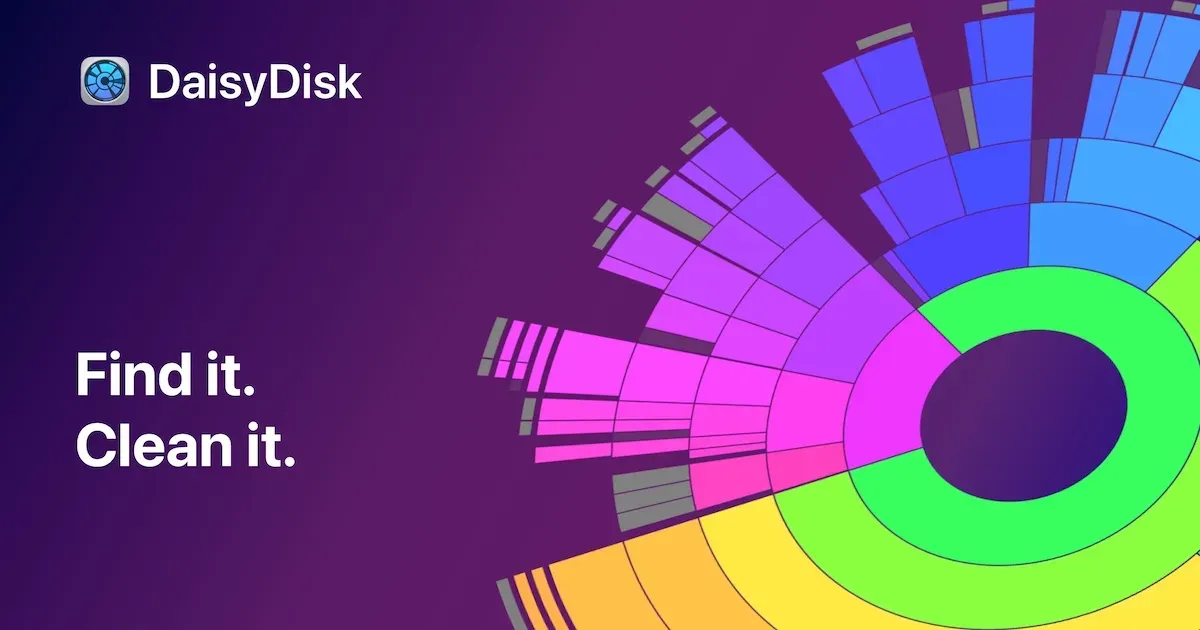
DaisyDisk is a visual disk-space analyzer for macOS. It scans a disk and presents the result as an interactive map, making it easier to trace a large slice of used storage back to the folders and files that occupy it.
Rather than treating cleanup as an automatic black box, DaisyDisk lets you inspect the hierarchy, drill into a location, preview likely candidates, and intentionally collect items for deletion. It can scan internal and external disks as well as supported network and cloud locations, and an administrator scan can reveal storage that a normal scan cannot inspect.
Features
- Scan disks into an interactive visual map that shows where storage is being used.
- Drill from a large segment into folders and individual files to identify real space consumers.
- Scan internal and external disks, plus supported network and cloud-storage locations.
- Run an administrator scan to inspect locations that require elevated access.
- Preview files with Quick Look and collect selected items before removing them.
- Inspect APFS snapshots and other supported system-storage views while retaining control over deletion.
Where it fits
DaisyDisk fits the moment when macOS reports low free space but the underlying files are unclear. It turns a vague storage number into a navigable map that supports a deliberate cleanup decision.
It is not a substitute for a backup policy or an automated maintenance tool. Use it to understand storage first, then delete only material whose purpose and recovery path are clear.
Privacy and requirements
DaisyDisk supports macOS 10.13 or later on Intel and Apple silicon. The developer says the app does not collect or transmit scan data. Full Disk Access or administrator authorization may be needed to inspect protected locations; deleting a file is a local, consequential action, so review unfamiliar system and application data before removing it.
Pricing
DaisyDisk costs $9.99 for a one-time license.
 Mole
Mole Pearcleaner
 QSpace