Meet Presentify.Screen annotation and cursor highlight for Mac.
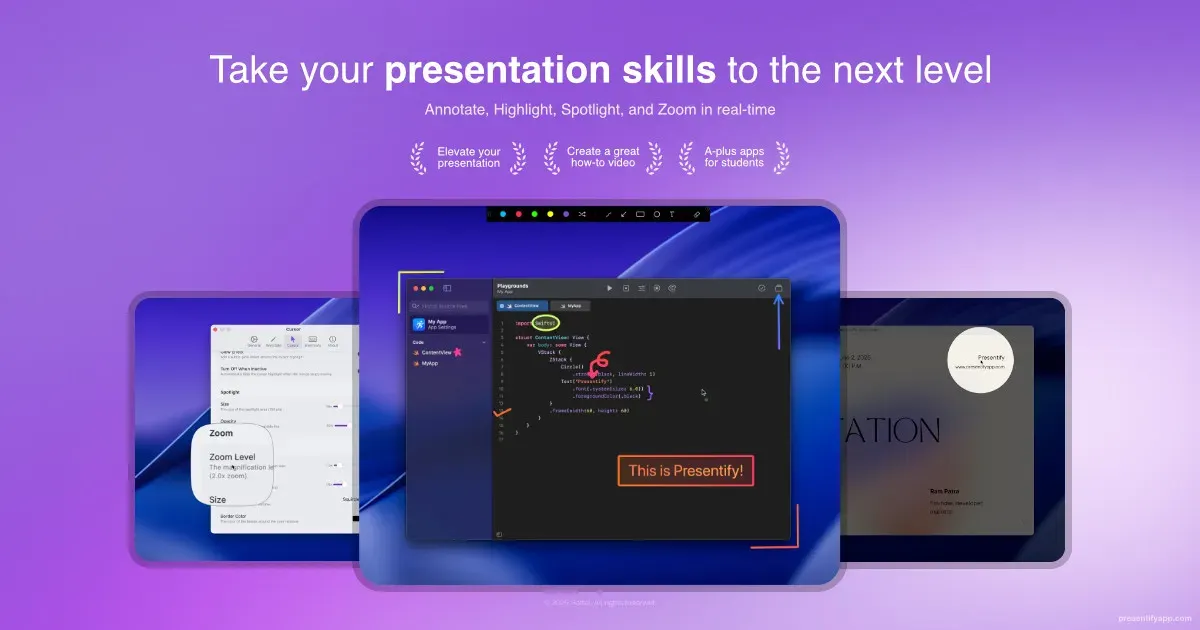
Presentify is a Mac presentation utility for annotating the screen and making the cursor easier to follow. It provides a lightweight overlay for live calls, lessons, demos, and walkthroughs, when pointing at an element or drawing a quick relationship is clearer than describing it verbally.
Start the annotation mode during a presentation, draw or highlight the relevant area, then clear it and continue. Cursor highlighting, spotlight effects, and zoom give an audience a visual anchor even when the underlying app was not designed for teaching or screen sharing.
Features
- Draw and annotate directly over the Mac screen during a live explanation.
- Highlight the cursor so an audience can track the exact control or part of the screen being discussed.
- Use spotlight and zoom effects to direct attention toward a focused area.
- Clear the overlay and return to the underlying application without changing its content.
Where it fits
Presentify fits presenters, educators, support staff, and remote teams that regularly explain a Mac screen live. It complements Keynote, Zoom, Meet, and normal screen sharing by making the point of focus visible.
It is not a substitute for a designed slide deck or a capture editor. Persistent assets need to be made in a tool intended to save, revise, and share them.
Privacy and requirements
Presentify requires Screen Recording access to draw over the desktop, and cursor highlighting or global shortcuts may require additional macOS permissions. Recordings and annotations can expose anything visible on connected displays. Confirm compatibility on the download page because older releases support older macOS versions, and hide private notifications or windows before presenting.
Pricing
Presentify costs $14.99 for a one-time license.
 CleanShot X
 Screen Studio
 Shottr