Antinote is a fast, keyboard-first scratchpad for thoughts that matter now but probably will not matter next week. Summon it with a global shortcut, write without choosing a folder or title, and move on when the job is done.
Most note apps are built around keeping and organizing information. Antinote removes that pressure, making it useful for drafts, tracking numbers, copied text, quick research, and calculations that do not deserve a permanent document.
Features
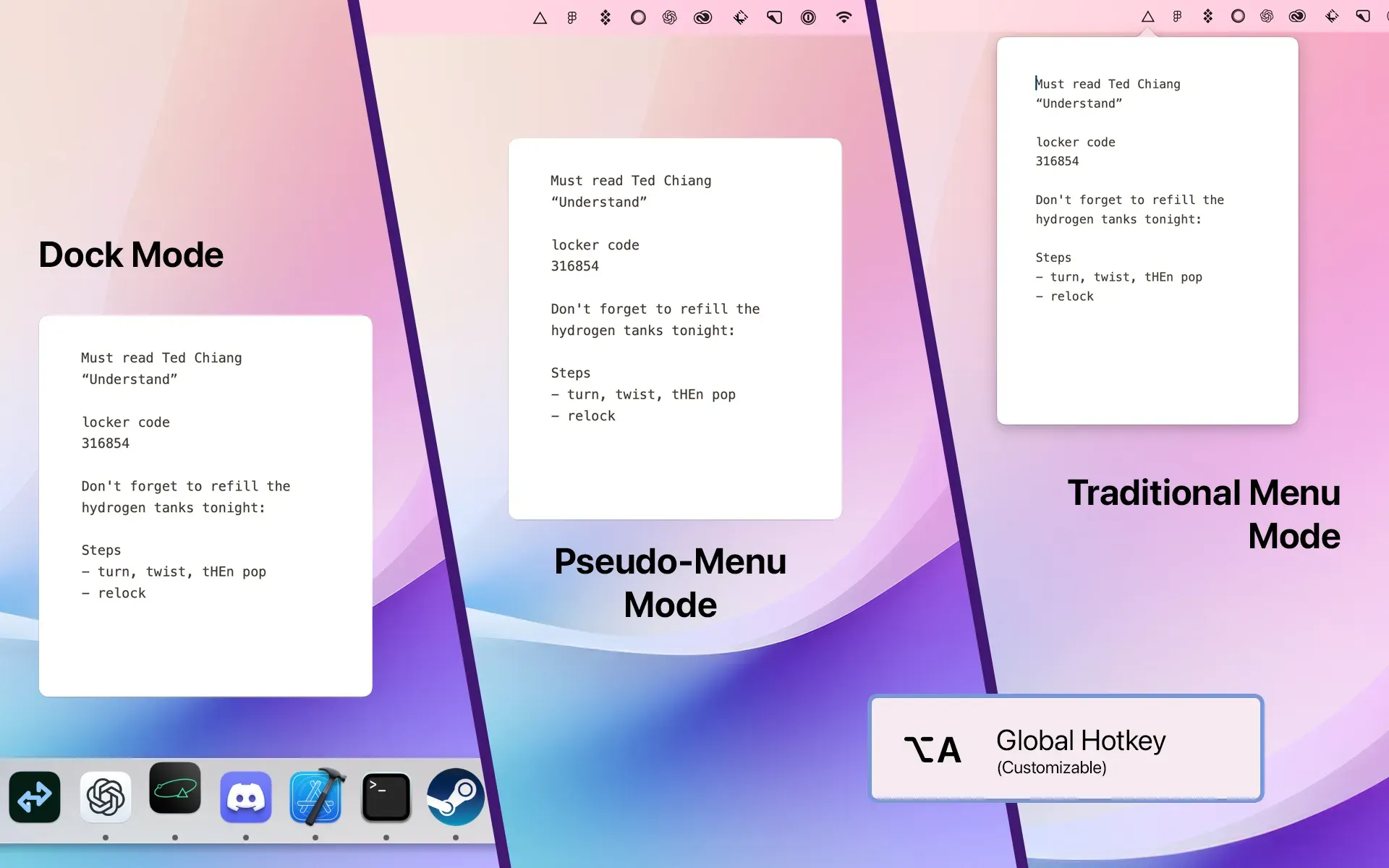
- Open Antinote from a global shortcut and use it as a Dock app, menu bar utility, or dropdown note. It can follow you across macOS spaces and close automatically when it loses focus.
- Switch between dedicated text, list, and math modes. Math mode handles totals, percentages, currency conversions, and named timers alongside written context.
- Add structure with simple Markdown, find and replace, text transformations, and syntax-highlighted code blocks.
- Move between notes with gestures, pin important scratch notes, search existing material, and automatically expire notes that are no longer useful.
- Keep notes stored locally with automatic database backups, then export individual notes or the full collection when needed.
- Send useful material to a text file, Apple Notes, Bear, or Obsidian, and create, search, or pin notes through Raycast and Alfred integrations.
Where it fits
Antinote works best beside your main notes app, not in place of it. It suits people who create temporary drafts, calculations, snippets, and reference notes but do not want that material accumulating in Apple Notes, Bear, or Obsidian.
Search and organization are intentionally basic, and the standard release remains centered on a local Mac workflow. Check the current iCloud and iOS beta status if cross-device access matters; choose another tool for long-form research, linked notes, collaboration, or durable filing.
Privacy and requirements
Antinote requires macOS 14 or later. Notes are stored locally, automatic backups remain on the Mac, and optional iCloud sync is off until enabled; the developer says synced content is encrypted on the device through CloudKit encrypted fields. Antinote does not require its own account, and its Privacy settings expose optional network features individually.
Pricing
Antinote costs $5 for a one-time license.
 Drafts
 Obsidian
 PopClip
 Bear
Bear