
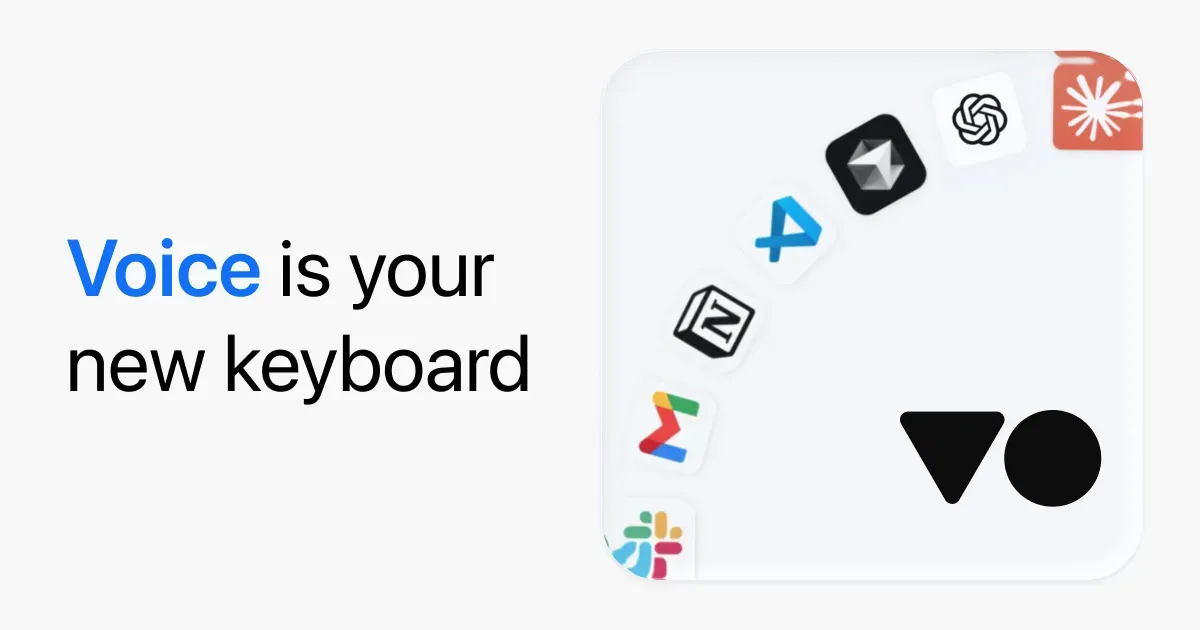
VoiceOS is a voice-driven assistant that combines dictation with agent-style actions across the apps and information on your computer. Rather than only transcribing speech at the cursor, it uses the area you point to as context for requests such as finding a file, drafting a message, or creating a follow-up task.
The intended workflow is to press the assigned key, speak a goal, and review the result or action in the relevant app. It can be useful when switching among email, chat, calendars, files, notes, and web research creates more friction than the task itself.
Features
- Use dictation mode to turn speech into text and agent mode to request actions rather than only transcription.
- Point at screen context and ask the assistant to locate relevant files, emails, documents, notes, or web results.
- Use supported connections and applications for actions such as drafting or sending email, replying in Slack, scheduling meetings, creating notes, and filing tickets.
- Keep a requested task active so VoiceOS can bring it back at an appropriate time according to its current agent workflow.
- Control whether transcripts are saved on the device and whether anonymous diagnostic or crash reports are shared.
- Rely on the developer’s stated audio policy: audio is not stored on its servers and is not used to train models.
Where it fits
VoiceOS is for people who want voice input to start or complete multi-app work, not merely dictate text. It may be useful for repetitive communication and retrieval work when the available integrations match the tools you already use.
Treat every external action as something to review before it is sent or committed. It is not a substitute for checking facts, permissions, recipients, or the security of the accounts and files connected to it.
Privacy and requirements
VoiceOS needs microphone access and can request screen, file, application, and connected-account context to complete actions. The developer says audio is not stored on its servers or used for training, while transcripts are saved locally unless the user chooses otherwise. Sending mail, messages, tickets, or calendar changes remains an external action that should be reviewed before execution.
Pricing
VoiceOS is subscription-based: $11.99/month billed annually.
 ChatGPT
 Claude
 Spokenly
 Superwhisper
 VoiceInk
 Wispr Flow