Meet Pimosa.Desktop video, photo, audio & PDF tools.
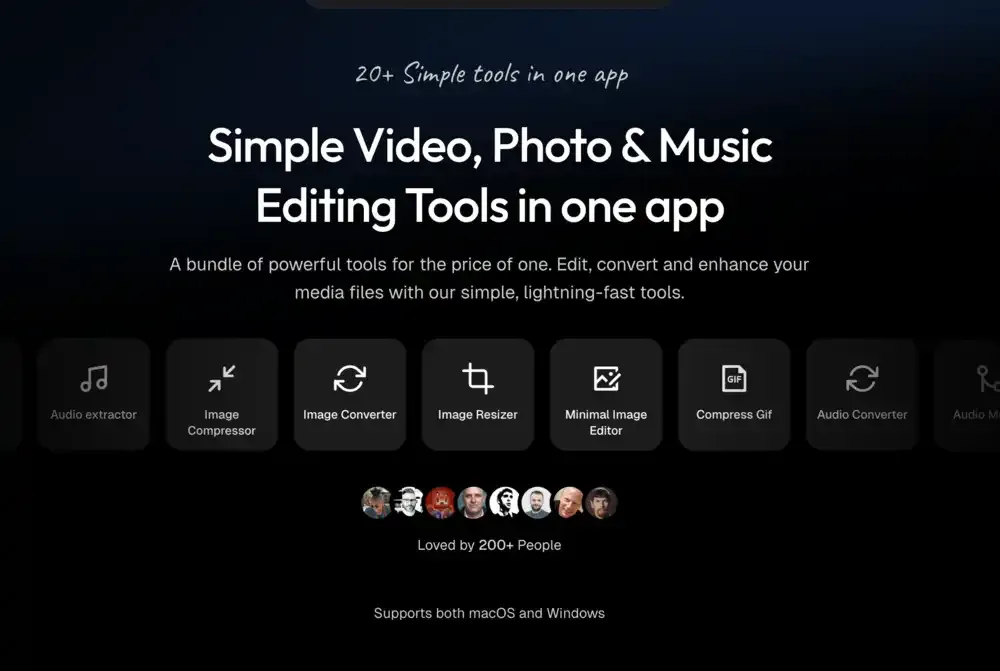
Pimosa is an offline media utility with more than twenty tools for video, images, GIFs, audio, and PDFs. It is built for practical operations—compressing a recording, converting an image, cropping a clip, merging audio, or rearranging PDF pages—without uploading the material to a web service.
Drop files into the appropriate tool, make the adjustment, and export or batch-process the result. This suits quick production work, web assets, device storage cleanup, and one-off conversions where a full video or image editor would add unnecessary complexity.
Features
- Compress, convert, resize, crop, merge, rotate, trim, and change the speed of video files.
- Extract audio, convert and merge audio, edit metadata, and create waveform video from audio.
- Compress, convert, resize, crop, flip, rotate, reverse, and create GIFs from image or video material.
- Merge, split, compress, encrypt, crop, rotate, and reorder PDF pages.
- Process media locally without upload limits, work offline after install, and batch-process files on the desktop app.
- Use dedicated simple editors for video trims, social aspect-ratio cropping, image changes, subtitles, and PDF page editing.
Where it fits
Pimosa fits people who want a single local tool for routine media chores across formats. It can replace a collection of web converters and small, single-purpose editors when speed and privacy matter more than advanced creative control.
It is not a replacement for a professional video-editing suite or a pixel editor. Keep source media when compression or conversion quality must be checked, and review current license terms before deploying it across devices.
Privacy and requirements
Pimosa performs its editing and conversion work on the device and can operate offline after installation. It therefore needs access to the local video, audio, image, GIF, or PDF files selected for processing, but those files do not need to be uploaded. Keep originals until batch output has been checked, particularly when metadata removal or destructive compression is involved.
Pricing
Pimosa costs $29 for a one-time license.
 Clop
Clop Compresto
 HandBrake