Meet Compresto.Compress video, images and PDFs locally on your Mac.
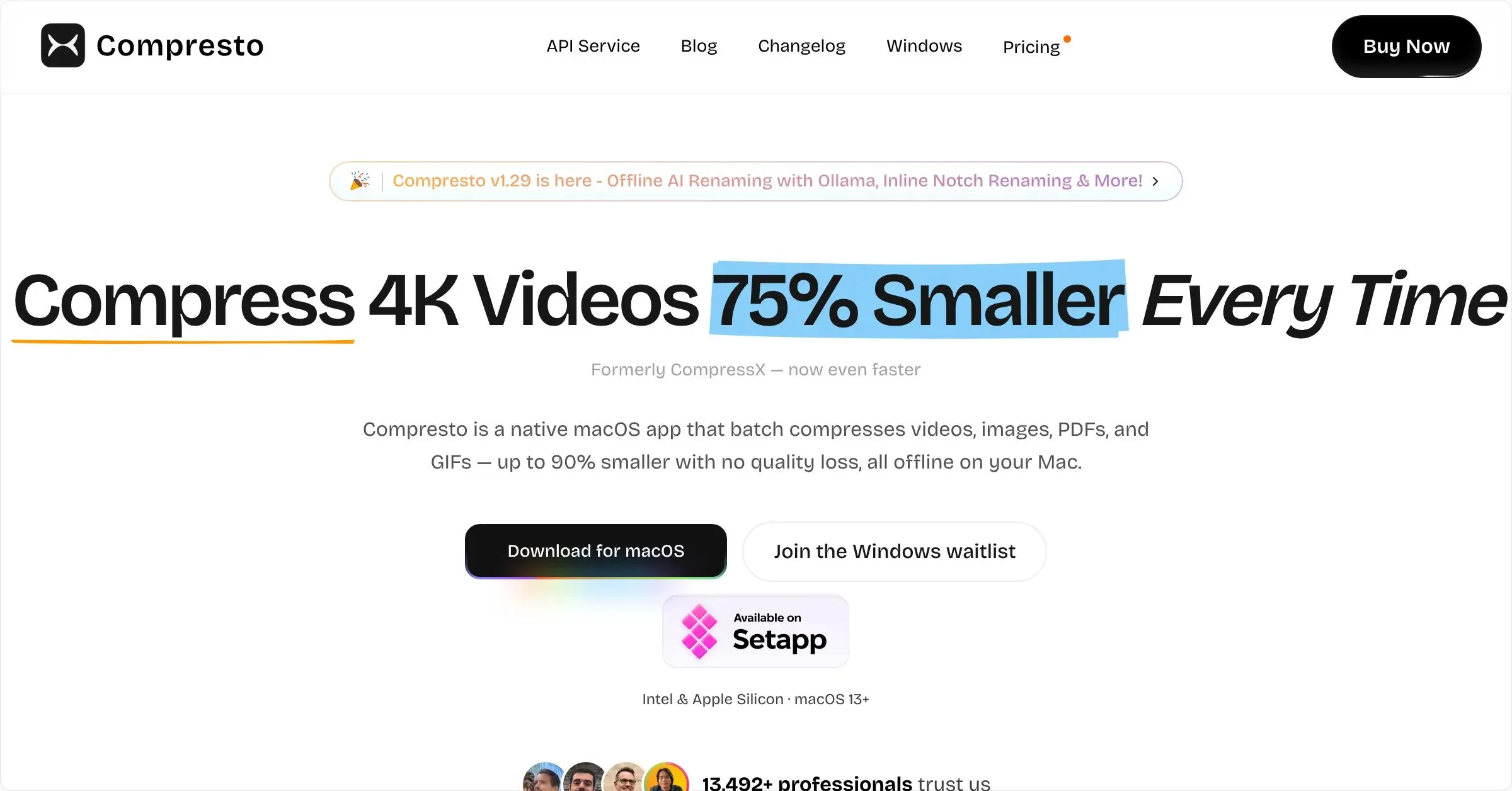
Compresto is a macOS utility for reducing the size of video, image, GIF, and PDF files. It makes compression a direct drag-and-drop task, helping media fit attachment limits, upload more quickly, or take less storage without opening a full editing application.
Choose a file or batch, select an appropriate preset or adjustment, and let the app create a smaller version for sharing. This is practical for screen recordings, presentations, large image exports, scans, and any delivery workflow where file size is a constraint rather than the creative goal.
Features
- Compress supported videos, images, GIFs, and PDF documents from a focused macOS workflow.
- Use drag and drop and batch processing to prepare multiple files for a shared size or delivery requirement.
- Adjust the result for practical sharing while keeping the original available for quality comparison.
- Handle the common media and document categories that otherwise require separate compression tools.
Where it fits
Compresto fits people who regularly hit email, messaging, documentation, or storage limits with visual files. It complements a capture or editing tool by handling the final size-reduction step.
It is not a substitute for a creative editor, a video archive strategy, or format knowledge. Test presets with your actual recipients and platforms when visual clarity is critical.
Privacy and requirements
Compresto requires macOS 13 or later and performs compression locally, so source files do not need to be uploaded to a conversion service. It still needs access to every file and watched folder it processes.
Keep originals until the reduced files have been checked, especially when batch settings can overwrite or automatically replace media. Its optional OpenAI-powered renaming sends selected image content to that provider; local Ollama renaming stays on-device.
Pricing
Compresto costs $49 for a one-time license.
 CapCut
 Clop
Clop HandBrake
 Pimosa
 Screen Studio