
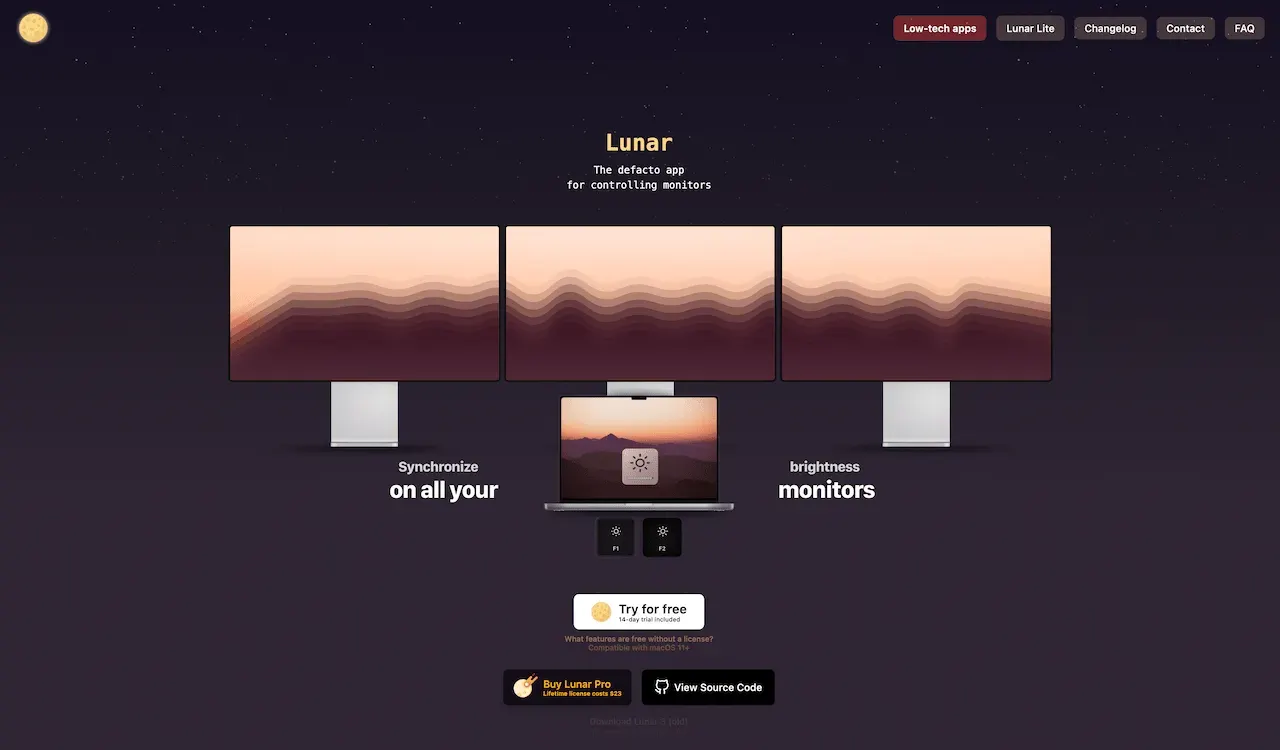
Lunar is a display-control app that makes external monitors behave more like a MacBook’s built-in screen. It focuses on matching brightness, contrast, volume, input, and ambient-light behavior across connected displays, so a multi-screen desk does not require separate manual adjustments.
The core workflow is simple: change brightness on the Mac, and compatible external screens follow. Lunar can also react to ambient light, synchronize displays, remember configurations, and help manage monitor settings that macOS does not consistently expose through the keyboard.
Features
- Control brightness, contrast, volume, input source, and other compatible monitor settings from the menu bar or keyboard.
- Synchronize built-in and external display brightness so a single adjustment keeps a multi-screen workspace balanced.
- Adapt compatible display settings to ambient light and time of day instead of requiring manual changes throughout the day.
- Save monitor-specific presets and configurations for different desks, displays, or use cases.
- Use software dimming and current hardware-control options when a monitor does not expose every setting through standard macOS controls.
- Monitor connected displays and apply automation that responds to the screen, power, or current workspace.
Where it fits
Lunar is ideal for Mac users with external displays who want brightness keys and display behavior to feel unified. It is particularly useful for laptop-and-monitor setups that move between bright daytime work and lower-light evenings.
Its capabilities depend on the monitor, cable, and DDC support. Users who only need occasional manual brightness changes may find a simpler display utility sufficient.
Privacy and requirements
Lunar supports macOS 11 or later on Intel and Apple silicon. Hardware brightness and input control depend on DDC support, cables, docks, and monitor firmware; software dimming and sensor-based automation use different system paths. Its source is available for inspection, but users should still test display behavior before enabling automatic power or input changes.
Pricing
Lunar includes a free tier. Pro $23 one-time purchase.
 BetterDisplay
 DisplayBuddy