Meet DisplayBuddy.Control your displays directly from your Mac.
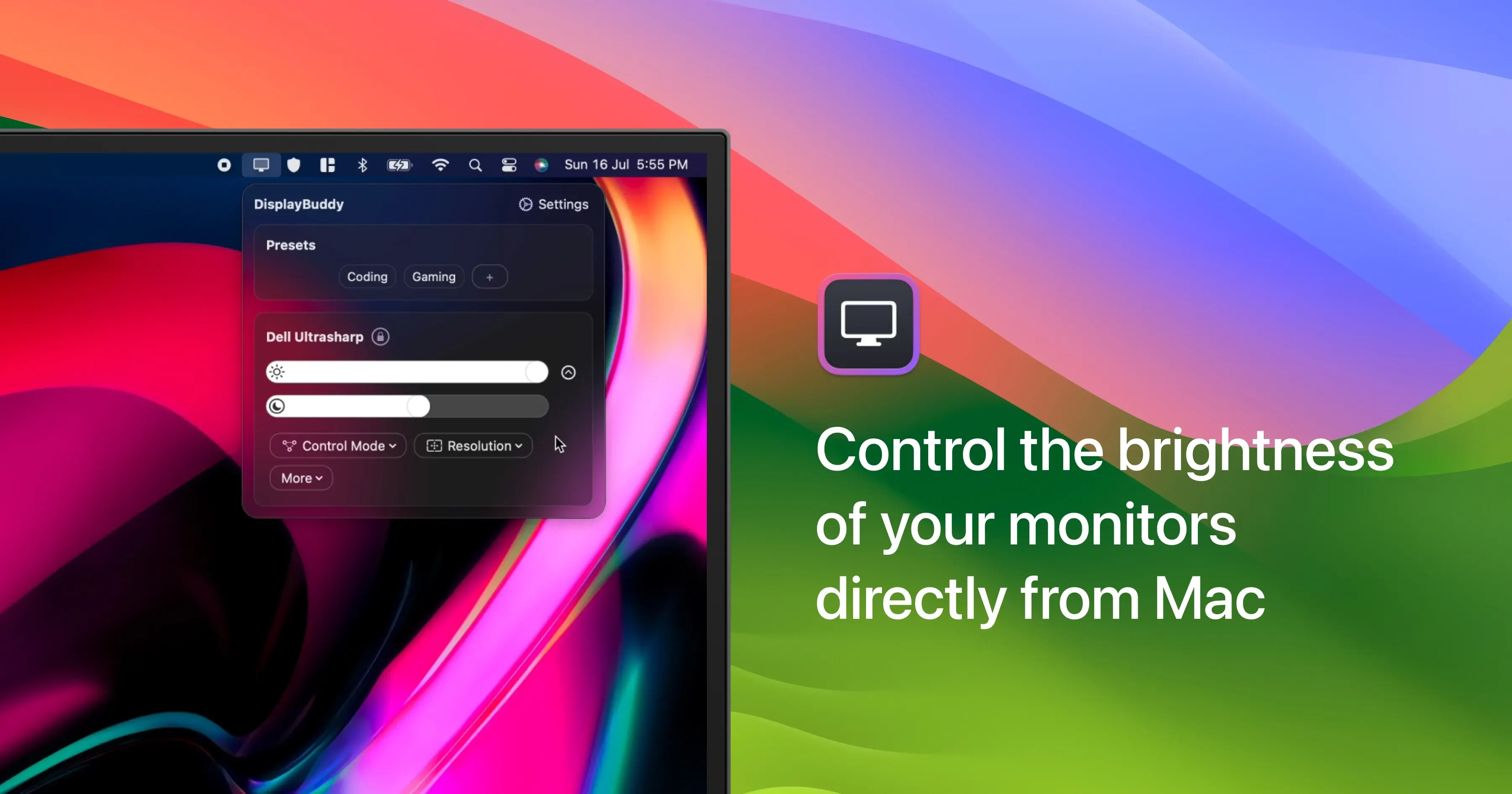
DisplayBuddy is a Mac utility for controlling compatible external monitors without reaching for their physical buttons. It uses DDC when a display supports it, letting macOS adjust hardware brightness, contrast, volume, input source, resolution, rotation, and power controls from one place.
It is especially useful when a desk has more than one display. You can synchronize adjustments, save a preferred multi-monitor arrangement as a preset, and apply that preset manually or through a schedule tied to conditions such as time of day, dark mode, charging, or connected displays.
Features
- Adjust compatible displays’ hardware brightness, contrast, volume, input source, resolution, rotation, and power controls through DDC.
- Synchronize brightness and other supported adjustments across multiple external displays.
- Save display presets that can include supported settings and a multi-display arrangement.
- Schedule presets around time, sunrise or sunset, dark mode, charging, and display connection events.
- Use keyboard shortcuts, menu-bar controls, Shortcuts, Siri, command-line tools, or supported MCP integrations to trigger controls.
- Fall back to software gamma dimming when direct monitor control is unavailable, and control compatible LG and Samsung smart displays over Wi-Fi.
Where it fits
DisplayBuddy fits a desk setup where external-monitor settings are adjusted often or need to move together. It is a focused alternative to changing each monitor with its own on-screen display.
It is not a guarantee that every port, dock, adapter, or monitor exposes the same controls. Try the free compatibility path before depending on a particular DDC or input-switching workflow.
Privacy and requirements
DisplayBuddy depends on the controls exposed by the monitor, connection, dock, and DDC implementation. Some displays need software dimming or a supported network-control path instead of direct hardware commands. The app requires the macOS access needed for shortcuts, automation, and display control; test the available trial or compatibility route before relying on input switching or power commands.
Pricing
DisplayBuddy costs $24.99 for a one-time license.
 BetterDisplay
 Lunar
Lunar