
Meet Klakk.Add mechanical keyboard sounds to typing on your Mac, with 14 sound packs to try.
About Klakk
Klakk plays mechanical keyboard sounds as you type in Mac applications. It is a paid, closed-source sound utility with a three-day trial from first launch. You can preview its sound styles on the website before installing.
Features
- Choose from 14 included sound packs, including NovelKeys Cream, Gateron Red and Everglide Oreo.
- Adjust playback volume and select an audio output device, including headphones.
- Use the app across Mac applications after granting Input Monitoring permission.
- Try all 14 packs in the installed app for three days before deciding whether to buy.
Where it fits
Klakk is for people choosing an audible typing sound they enjoy without replacing their keyboard. Sound preference is personal: the website preview and installed trial let you compare the included sounds on your own audio setup. Headphones keep the added audio private; the app does not reduce the physical noise of your keyboard. Audio timing depends on the device and connection.
Privacy and requirements
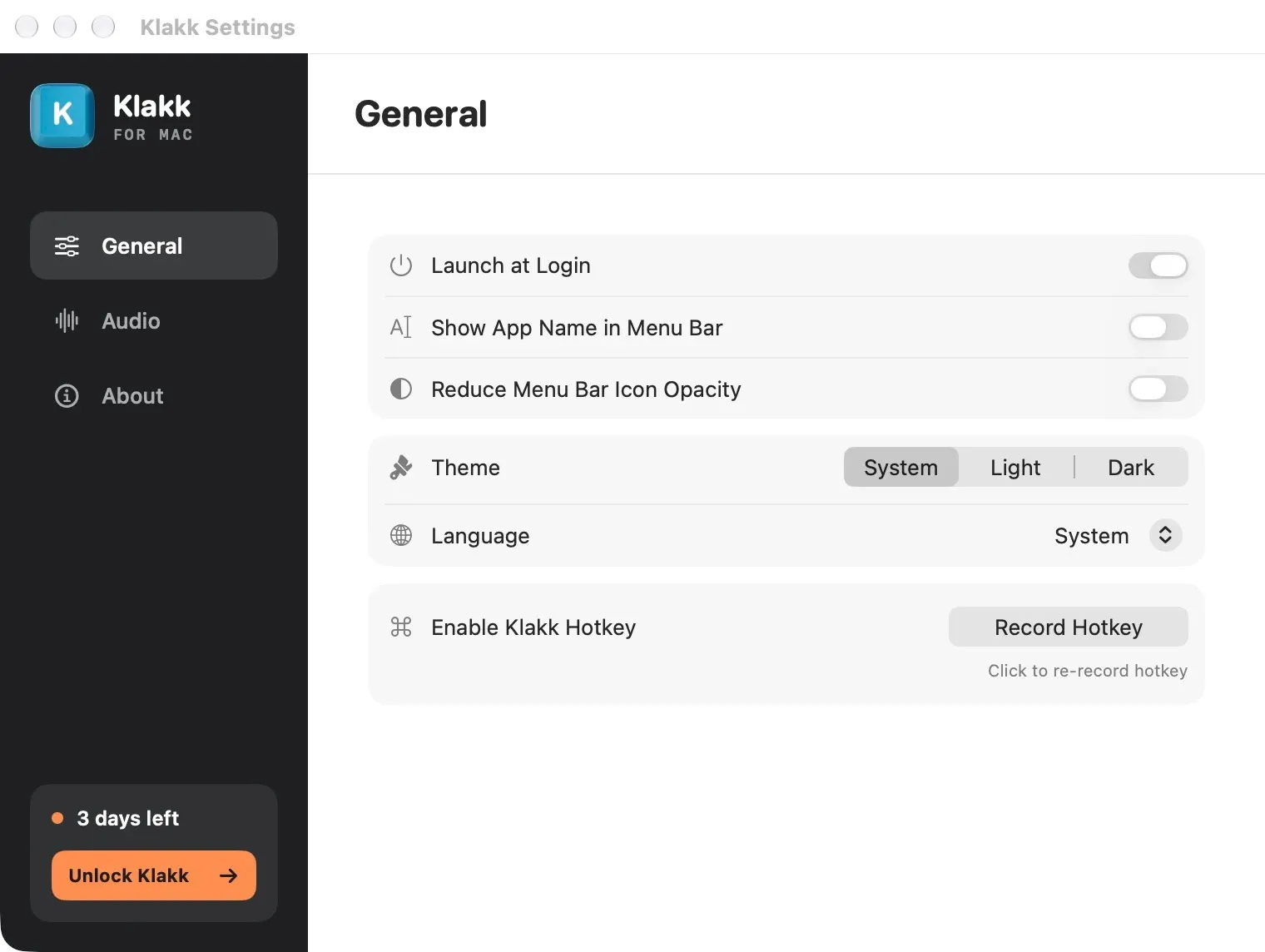
The website Mac edition requires macOS 14 or later and supports Apple silicon and Intel Macs. The current direct release is 1.4.3, build 25. The preview image shows the General settings in an earlier 1.4.1 release.
The developer says keyboard events are processed locally to choose sounds; typed text is not stored and raw keystrokes are not uploaded. Input Monitoring can receive key-down, key-up and modifier events across applications. This is not a zero-communication app: Firebase receives usage analytics, and online services handle license verification and purchases. See the developer's privacy policy for the full scope.
Pricing
The website Mac edition costs US$6.99 once, plus applicable tax, after the three-day trial. A new license covers up to three compatible, personally owned Macs and allows everyday commercial work. Windows and Mac App Store purchases use separate licenses. Creem processes new website purchases.
 Keeby
 Klack