Meet Keeby.Mechanical keyboard sounds tuned for your Mac.
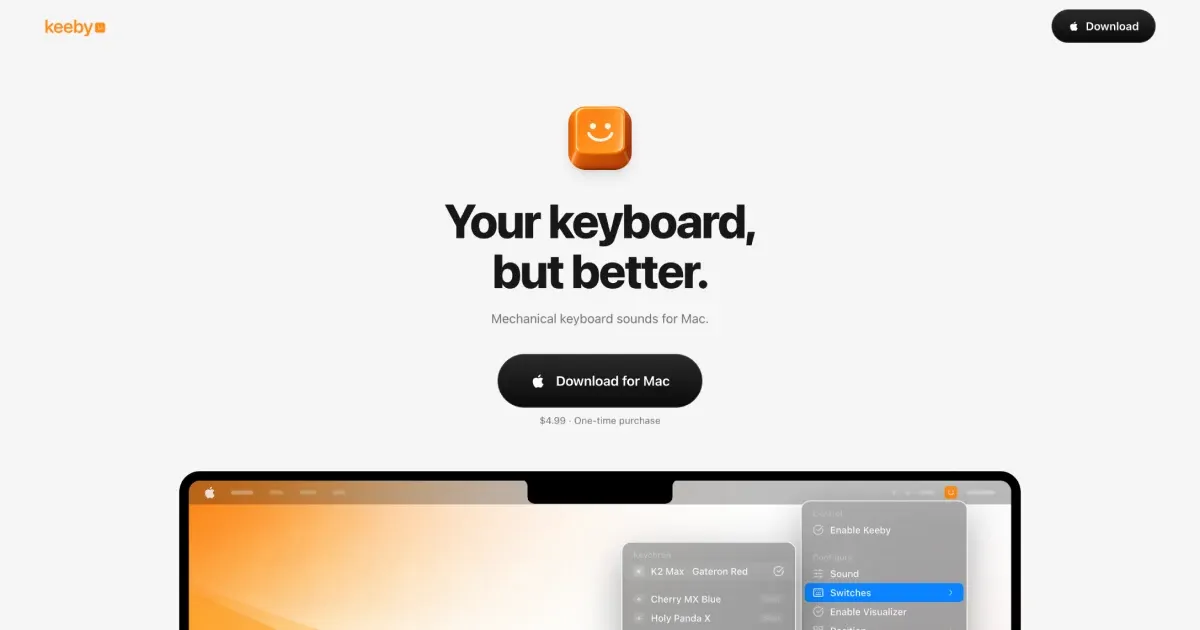
Keeby adds mechanical-keyboard sound effects to typing on a Mac. It is a focused sensory utility for people who like the character of switch sounds but want to keep using a laptop keyboard or a quieter external keyboard.
Features
- Choose between distinct sound profiles and tune their volume to suit speakers or headphones.
- Hear responsive key-down feedback while typing across Mac applications.
- Keep the utility close at hand without turning it into a larger keyboard-remapping system.
- View lightweight typing statistics and a keyboard visualization in the app.
- Run entirely offline after installation.
Where it fits
Keeby is best for writing, coding, or casual typing when audible feedback makes the keyboard feel more engaging. It overlaps with Klack, so the decision is mainly about which recordings, controls, and visual presentation feel better. Sound effects can become distracting in shared spaces, making headphones or a low volume sensible.
Privacy and requirements
Keeby requires macOS 13 or later. Its developer says the app works offline, has no network access, and collects no data. Like any keyboard-sound utility, it needs system access to notice key presses; review the permission prompt and download only from the official site or App Store.
Pricing
Keeby costs $4.99 as a one-time purchase, with no subscription.
 Klack
Klack