

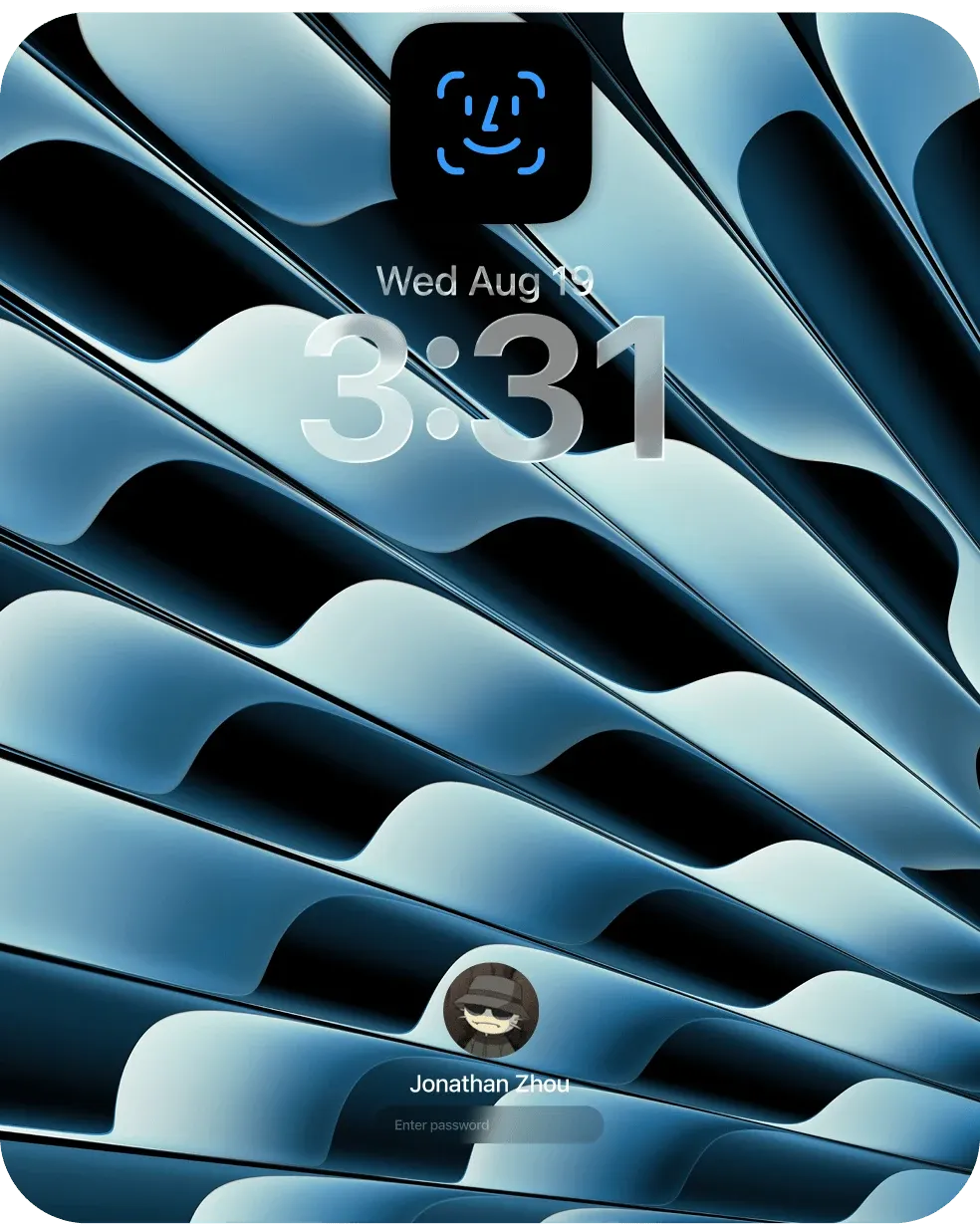
Glance is a free, open-source Mac utility that uses the computer's camera for Face ID-like unlocking. When the Mac wakes or reaches the lock screen, Glance looks for an enrolled face and, after its matching and liveness checks succeed, enters a stored Mac password through Accessibility access.
The experience is designed around convenience: the scanning interface appears near the MacBook notch, can start automatically, and avoids reaching for Touch ID or typing a password. Recognition runs locally using Apple's Vision and Core ML frameworks, and the app supports multiple enrolled identities for different people, appearances, accessories, or lighting conditions.
Features
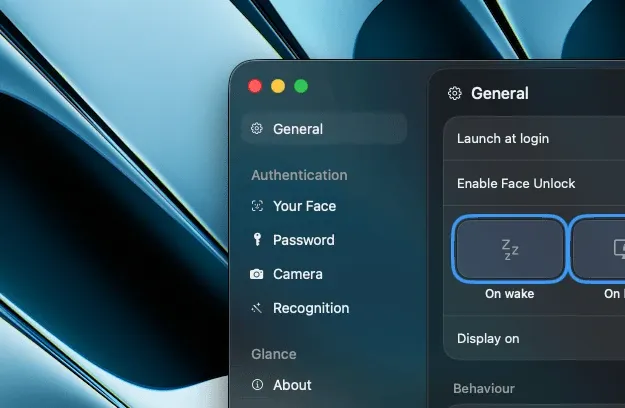
- Trigger face recognition when the Mac wakes, locks, or receives a Space key press on the lock screen.
- Enroll multiple identities and disable an identity without deleting it.
- Choose light or heavy liveness checking to help distinguish a live face from a static photo.
- Use the built-in camera or choose different cameras for the built-in display and an external monitor.
- Show a notch-style scanning interface with success and failure states, or disable its animations.
- Automatically close an authorized session after a chosen period of inactivity.
- Edit or delete enrolled face data and the stored password from the app.
Where it fits
Glance is for people who value a quick, hands-free way to unlock a supported Mac and accept the security tradeoff. It can be helpful when the Touch ID key is inconvenient to reach or when using an external keyboard and display.
Glance is not a replacement for Touch ID, Face ID, or manually entering a password. Mac cameras do not have the depth sensors used by Face ID, the developer says video-based spoofing may defeat its liveness checks, and macOS does not let a third-party app authorize login directly. Glance works around that limitation by typing the stored password, so it should be treated as a convenience feature rather than a security upgrade.
Privacy and requirements
The current Glance website lists Apple silicon and macOS 15 Sequoia or later as requirements. The app needs Camera access to recognize a face and Accessibility access to enter the password at the lock screen. Touch ID or the device password protects access to its encryption key.
According to the developer, camera frames are processed in memory and discarded after Glance creates numerical face embeddings. The embeddings are encrypted locally with AES-GCM, while the encryption key is held in the macOS Keychain behind a user-presence check. Face recognition, enrollment, and liveness detection run on the Mac without sending camera frames, face data, or credentials to a server.
Pricing
Glance is free and open source under the MIT license.
 1Password
 Alcove
 DynamicLake