Meet 1Password.The best way to secure your digital life.
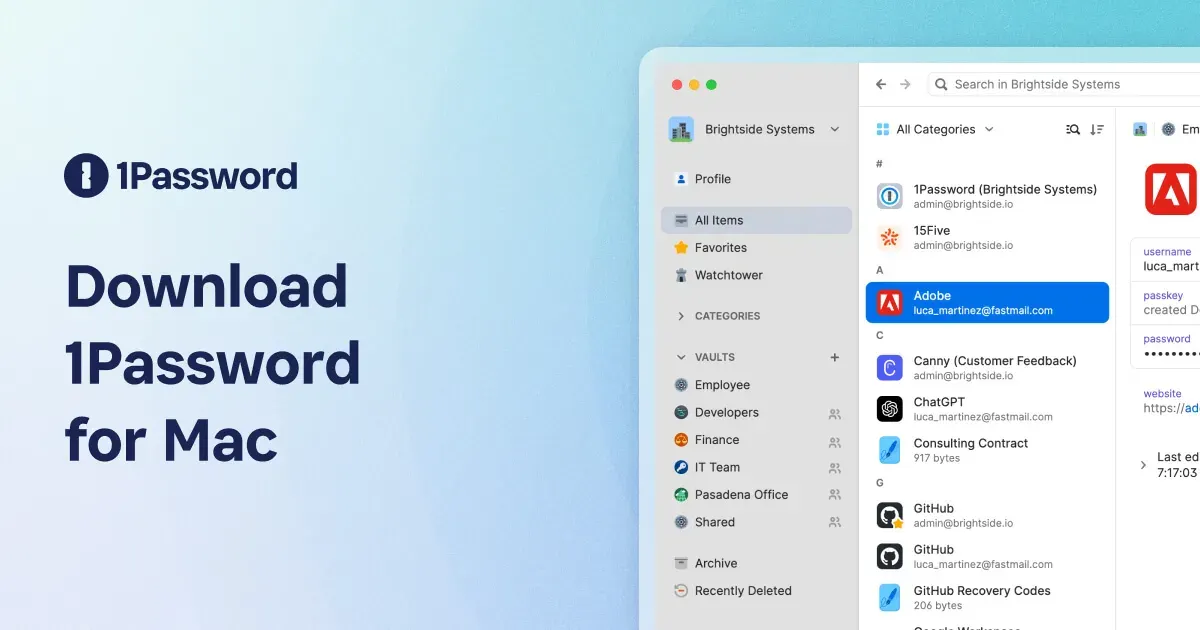
1Password is a password manager for storing, generating, and filling credentials and other sensitive items across a Mac and supported devices. It replaces reused or memorized passwords with individual logins stored in encrypted vaults, then makes them available when a site or app asks for them.
Use it to create a strong password when signing up, save the login, and fill it later through the browser or app workflow. It can also store payment details, secure notes, identity information, and one-time codes, reducing the temptation to keep sensitive information in messages or ordinary notes.
Features
- Generate and save unique passwords, then fill compatible logins in browsers and apps.
- Organize logins, secure notes, payment cards, identities, documents, and one-time password codes in encrypted vaults.
- Use Watchtower to surface security issues such as weak, reused, or compromised credentials where the current account supports it.
- Share selected items and vaults with approved people or teams without sending passwords in plain text.
- Unlock on a Mac with the available device authentication options and use supported browser extensions for filling.
Where it fits
1Password fits anyone who wants a single, secure system for unique credentials across personal or work accounts. It is especially valuable when several people need controlled access to shared services.
It requires trust in a central password system and consistent use. Protect recovery information, review shared vault membership, and avoid approving autofill or sharing prompts without checking the destination.
Privacy and requirements
1Password 8 requires macOS 12 or later and a 1Password account. Vault contents are end-to-end encrypted, but the service still becomes a critical security boundary: protect the account password and Secret Key, keep recovery details offline, and review shared-vault access. Browser filling, Watchtower, passkeys, and integrations each introduce their own permissions or network activity.
Pricing
1Password is subscription-based: $2.99/month, billed annually.
 Glance