
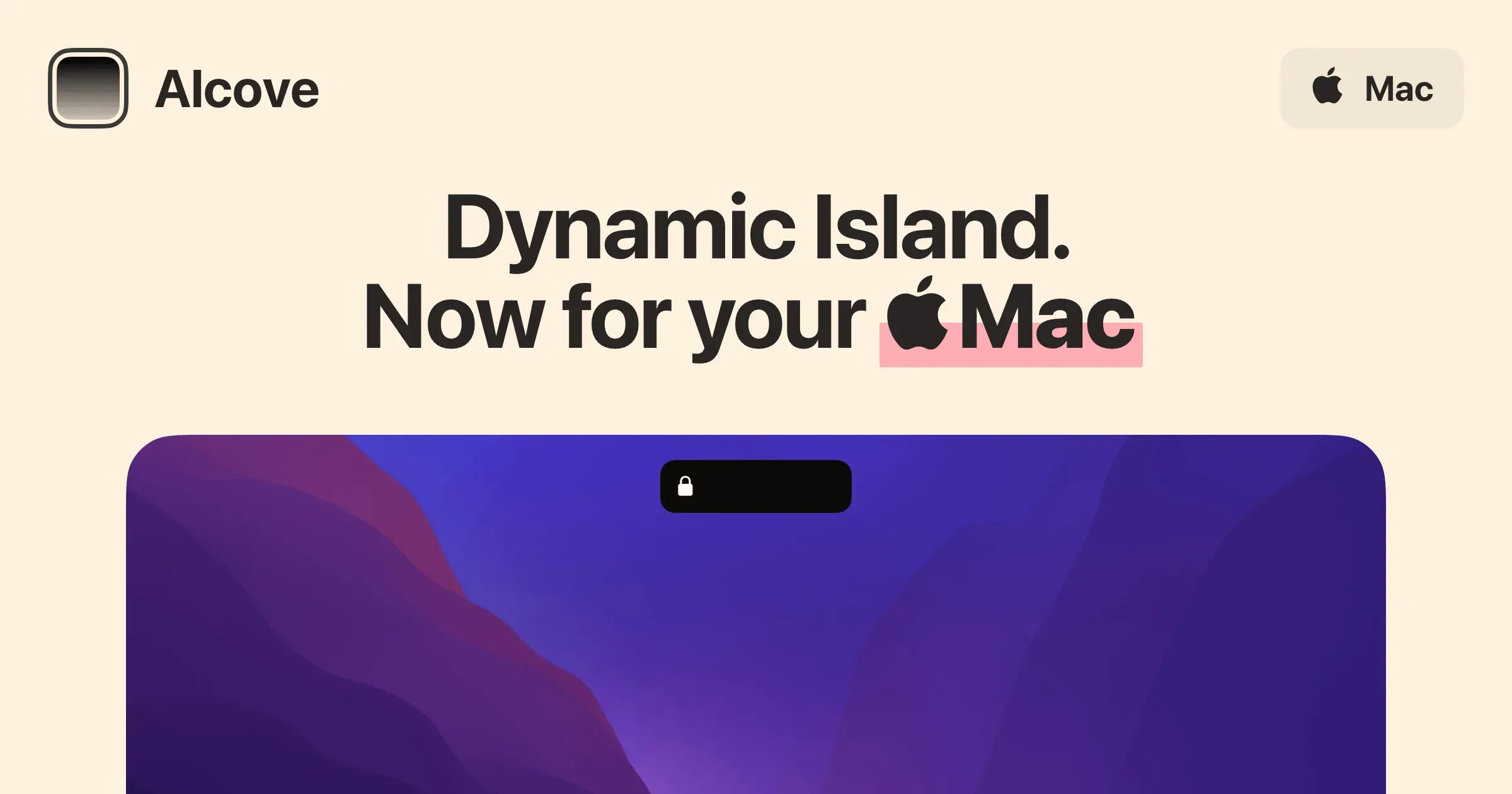
Alcove turns the MacBook notch into an interactive, Dynamic Island-style surface. Instead of leaving that part of the display as unused hardware, it presents animated status, controls, and quick information when you hover or interact with the area.
The value is mostly in making common background activity more glanceable. Media playback, system HUDs, charging state, notifications, calendar information, and lock-screen widgets can appear where the eye already goes, rather than taking over the desktop with another panel.
Features
- Display live activities and instant notifications through an animated notch interaction inspired by the iPhone Dynamic Island.
- Show media controls and playback information near the notch so common listening actions remain easy to reach.
- Surface customizable system HUDs for states such as volume, brightness, battery, and charging.
- Integrate current Focus mode, calendar, and Lock Screen widget capabilities where permission and the installed release support them.
- Use swipe gestures and hover interactions to open, dismiss, or move through notch content without adding a permanent desktop panel.
- Access Alcove as a native Mac utility with a visual style intentionally focused on fluid transitions and small, contained interactions.
Where it fits
Alcove is best for MacBook users who want the notch to provide subtle media, status, and calendar utility without installing a more expansive widget dashboard. It is most attractive when visual integration and restrained behavior matter as much as feature count.
It is not essential on a Mac without a notch, and its value is inherently personal. Users seeking file shelves, clipboard history, or dense productivity modules may prefer a broader notch utility.
Privacy and requirements
The developer states that Alcove does not collect personal information. Its useful features still depend on the macOS permissions needed to read media state, calendar information, notifications, or other system activity. It is designed primarily for MacBooks with a display notch, so confirm compatibility with the current macOS release and hardware before buying.
Pricing
Alcove costs $13.99 for a one-time license.
 Droppy
 DynamicLake
 Glance