Meet Karabiner-Elements.Deep keyboard remapping for macOS.
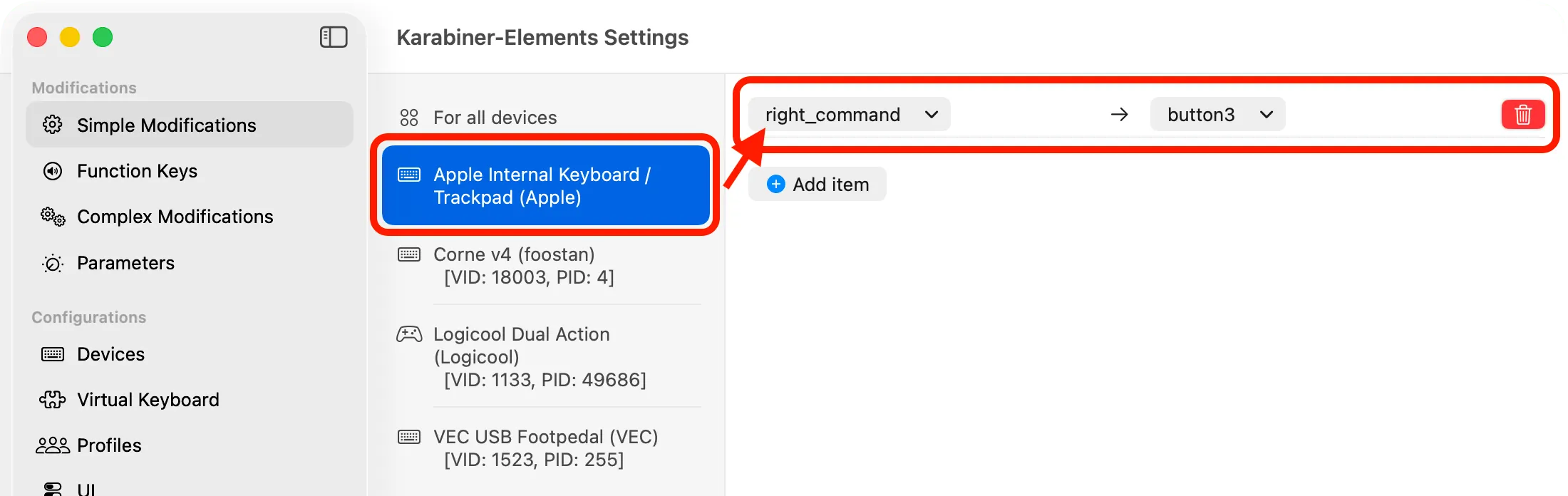
Karabiner-Elements is a free, open-source keyboard customizer for Mac. It can change a key into another key, make a modifier behave differently, or apply more involved rules that depend on context. Its configuration is especially useful for non-Apple keyboards and personal shortcut systems.
Start with a simple modification, such as swapping Caps Lock and Escape. More advanced rules can combine keys, change behavior for a specific device or application, and use variables or conditions to create a layered keyboard layout.
Features
- Remap individual keys with simple modifications.
- Build complex modifications with conditions, modifiers, and device-specific behavior.
- Manage multiple keyboards and identify key codes with EventViewer.
- Share or back up JSON-based rules for repeatable setups.
Where it fits
Karabiner-Elements suits people who need deeper input changes than macOS Keyboard settings provide. Complex rules can be powerful but also hard to debug, so begin with small changes and keep a copy of working configuration.
Privacy and requirements
The app runs background components that intercept keyboard input and needs the system permissions shown during installation, including Accessibility and input-related access. Its published source can be inspected. The current project lists supported releases from macOS 13 onward, with older downloads for earlier systems.
Pricing
Karabiner-Elements is free and open source; donations are optional.
 BetterTouchTool
 Mac Mouse Fix