Meet EasyDMG.Install Mac apps from DMG files with fewer steps.
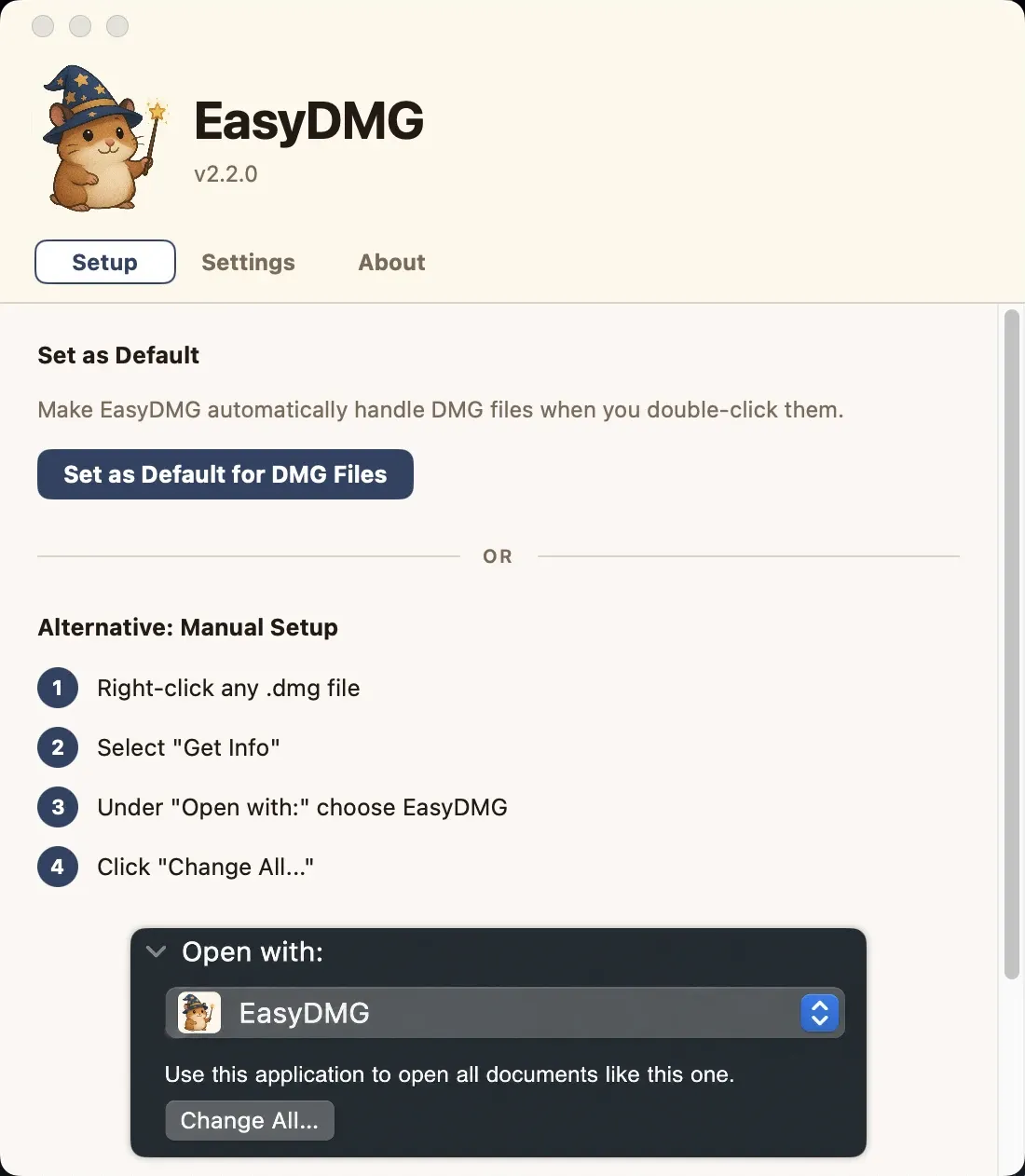
EasyDMG is a native Mac utility that automates the common drag-to-Applications installation flow for disk images. It mounts a DMG, finds an application, copies it into Applications, and cleans up the mounted image afterward.
Open a downloaded DMG with EasyDMG, review the app it found, and let it perform the normal installation sequence. It can optionally move the original disk image to the Trash after the copy.
Features
- Mount a DMG and identify installable app bundles.
- Copy an app to the Applications folder and unmount the image.
- Optionally discard the source DMG after installation.
- Keep a local installation log to explain completed or skipped actions.
Where it fits
EasyDMG fits Mac users who install many directly downloaded apps and want to remove a repetitive Finder routine. It does not replace checking the publisher or trustworthiness of a downloaded installer.
Privacy and requirements
The app needs filesystem access to inspect disk images and install applications. Its developer says it operates locally and connects only for update checks through Sparkle. The current site lists macOS 13 or later; review each DMG before accepting an installation.
Pricing
EasyDMG is currently available free. It is open source under GPL-3.0 for open-source use, with separate commercial licensing described by the developer; prebuilt release pricing may change.
 Pearcleaner
 The Unarchiver