Meet ActionClip.iPhone-style text actions for Mac.
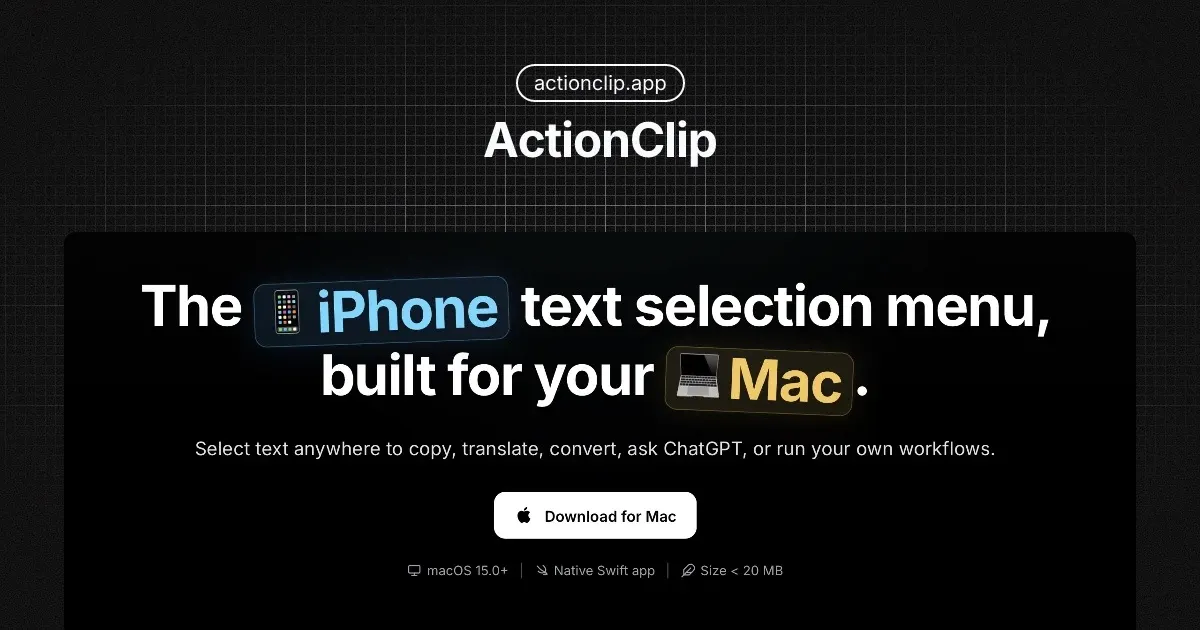
ActionClip is a Mac menu-bar utility that places a contextual action menu beside selected text. It brings the quick-selection feel of an iPhone to macOS, then extends it with previews, suggested actions, transformations, automation, translation, and optional AI tools.
Select text in a supported app and choose an action close to the selection instead of copying it into another utility. The result can be reviewed before it replaces the source text, is copied, or continues into another workflow.
Features
- Copy, paste, change case, format text, count words, create links, translate, and run other built-in actions from the selection menu.
- Preview results before applying them and surface contextual suggestions based on the selected content.
- Build reusable custom actions with prompts, JavaScript, URLs, shell commands, AppleScript, and multi-step workflows.
- Describe a workflow to the custom-action builder, test the generated action, and edit it before saving.
- Use supported Apple Intelligence features or local Ollama models for on-device AI processing.
- Connect external AI providers with personal API keys when a workflow needs a cloud model.
Where it fits
ActionClip fits people who repeatedly transform or route text while writing, researching, coding, or handling support work. PopClip is its closest established alternative; ActionClip emphasizes previews, contextual suggestions, and assisted custom-action creation, while Raycast is a broader keyboard-first launcher.
The menu only works reliably where an app exposes selected text through macOS Accessibility. Custom editors, remote desktops, and unusual interfaces can behave differently. User-created scripts and online AI actions are powerful but should be reviewed before they receive sensitive text or run commands.
Privacy and requirements
ActionClip requires macOS 15 or later and Accessibility permission to read the current selection and position its menu. Local actions do not upload selected text. Online actions send the necessary text to the chosen provider; Temporary AI and demo translation pass it through ActionClip's backend before the external service. Provider keys and license data are stored in the macOS Keychain. Optional iCloud sync is limited to eligible multi-Mac plans and selected settings.
Pricing
The free plan allows 30 action runs per day. Current early-bird lifetime licenses cost $9 for one Mac, $15 for two Macs with iCloud sync, or $29 for five Macs with iCloud sync; these limited introductory prices may change.
 PopClip
 Raycast