
Meet Zipic.Compress, convert and resize images locally on Mac and Windows, with a CLI for scripts and AI agents.
About Zipic
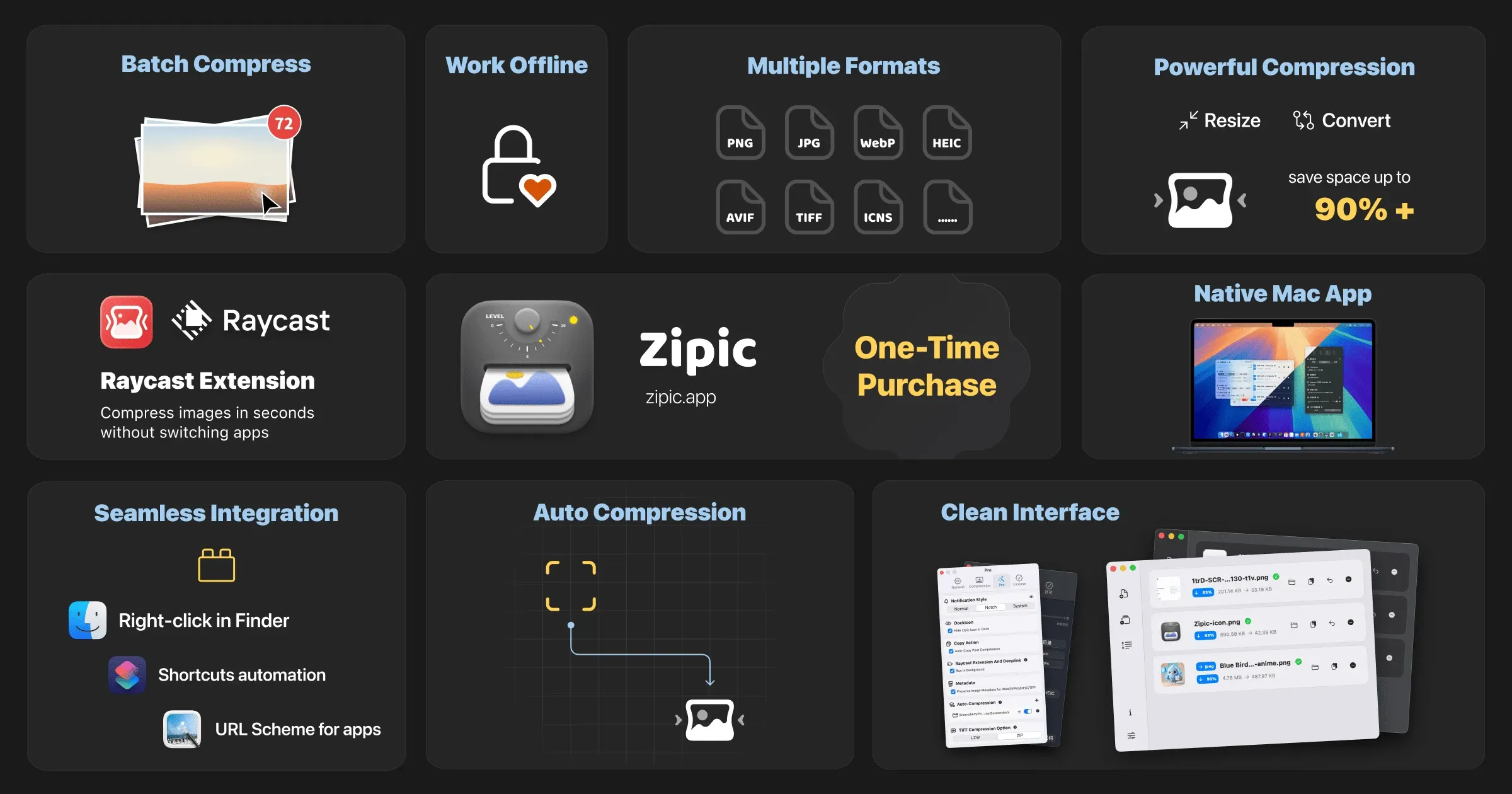
Zipic is a native image compression and format conversion app for macOS and Windows (Beta). It compresses and converts large batches of images on your device; images are never uploaded and no account is required.
On Mac it also ships a zipic command-line client that talks to the running app, so shell scripts, CI jobs and AI agents can use the same compression pipeline and presets.
Features
- Batch compression of whole folders, with resizing to a width, height or percentage in the same pass.
- Converts between JPEG, PNG, WebP, HEIC, AVIF, JPEG XL, TIFF, GIF, ICNS, PDF, SVG and APNG.
- Automation: folder monitoring, clipboard auto-compress, Apple Shortcuts, Raycast, Finder menu and URL Scheme.
- The
zipicCLI prints one JSON line per file, returns exit codes and supports--dry-run.
Where it fits
For people who regularly shrink screenshots, photos or web assets and want it to happen without opening a web service, and for developers who want image compression inside scripts or agent workflows.
Privacy and requirements
All processing is on-device and works offline. Requires macOS 13 or later (Universal: Apple silicon and Intel) or Windows 10 or later (Beta, Microsoft Store). Distributed from the official site and Homebrew; Zipic is not on the Mac App Store.
Pricing
Free tier with a 7-day full Pro trial, then 25 compressions a day. Pro is a one-time purchase with lifetime updates: Solo (1 device) $19.99, Personal (2 devices) $29.99, Team (10 devices) $129.99. One license works on Mac and Windows. 30-day refund.