
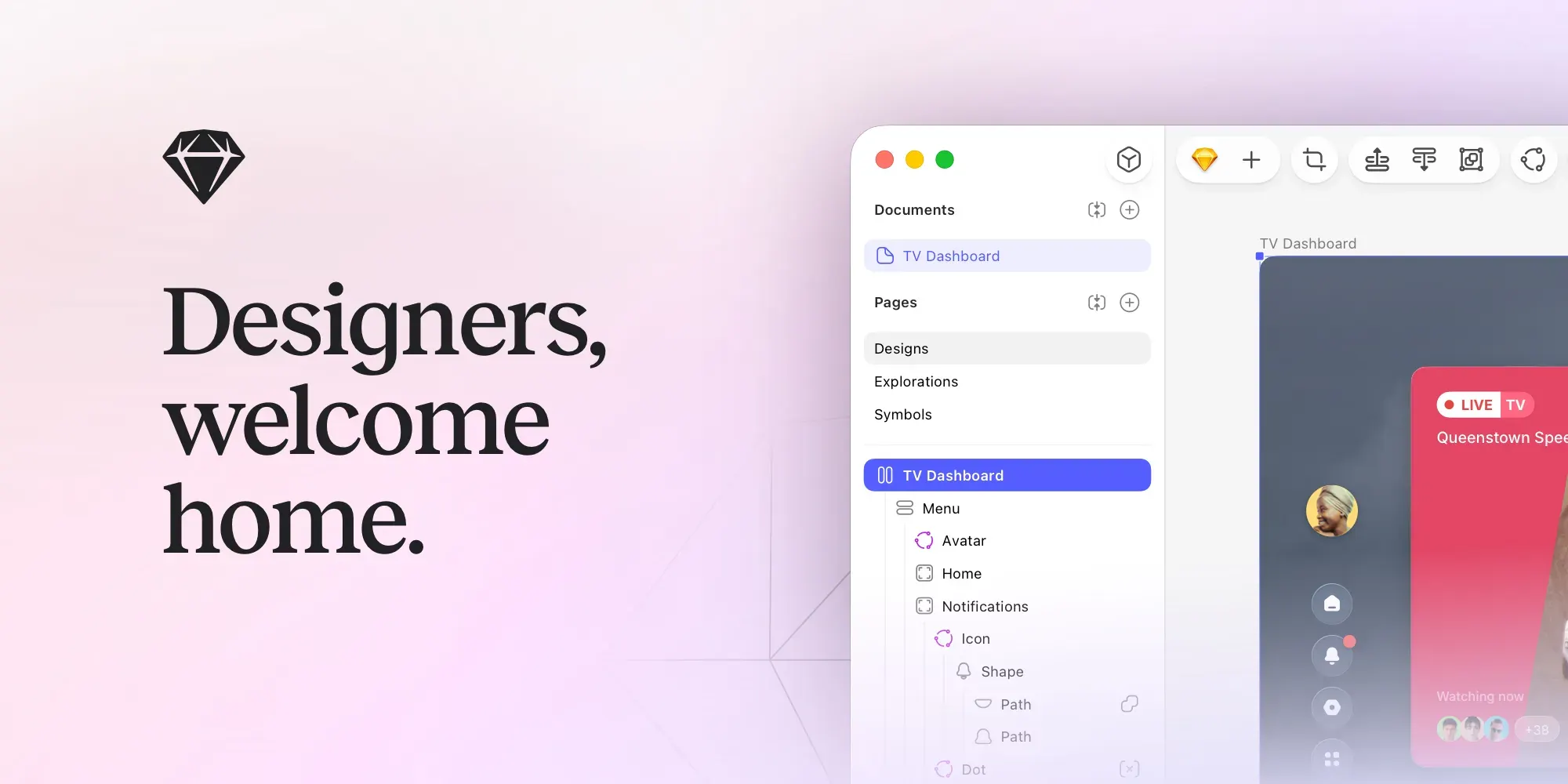
Sketch is a macOS design tool for creating interfaces, vector graphics, component libraries, prototypes, and developer handoff material. It keeps the main editing experience native and local while adding web-based collaboration when a project needs it.
Design screens on an infinite canvas, build reusable components, connect screens into a prototype, then share the relevant work with teammates or developers. It is particularly useful for product designers who want a focused Mac editor without making the browser the center of their craft.
Features
- Create interface and vector work with frames, stack layouts, components, templates, and shared libraries.
- Work locally and offline in the macOS editor, which currently requires macOS Sonoma or later.
- Build interactive prototypes with overlays, scrolling areas, hover, press, drag, and swipe interactions.
- Co-edit in real time or share selected documents and password-protected previews for feedback.
- Let developers inspect files, download assets, and export design tokens through the free handoff tools.
Where it fits
Sketch fits Mac-based product and interface designers who value a focused native editor and a mature component workflow. It can support individual exploration through to team review and developer handoff.
It is not a general image editor or a substitute for design-system governance. Teams should confirm compatibility and collaboration needs before standardizing on it.
Privacy and requirements
The current Sketch release requires macOS 15 or later. Documents can be kept locally for offline work, while workspaces, real-time collaboration, web sharing, and developer handoff use Sketch's hosted services and account controls. Client work should follow the workspace's access policy, and shared links should be reviewed when a document contains unreleased material.
Pricing
Sketch is subscription-based: $12/month, billed annually; or $120 Mac-only license.
 Pixelmator Pro