Meet RDPMaster.Connect to Windows, Linux, and Mac servers over RDP, SSH, and VNC from one Mac app.
About RDPMaster
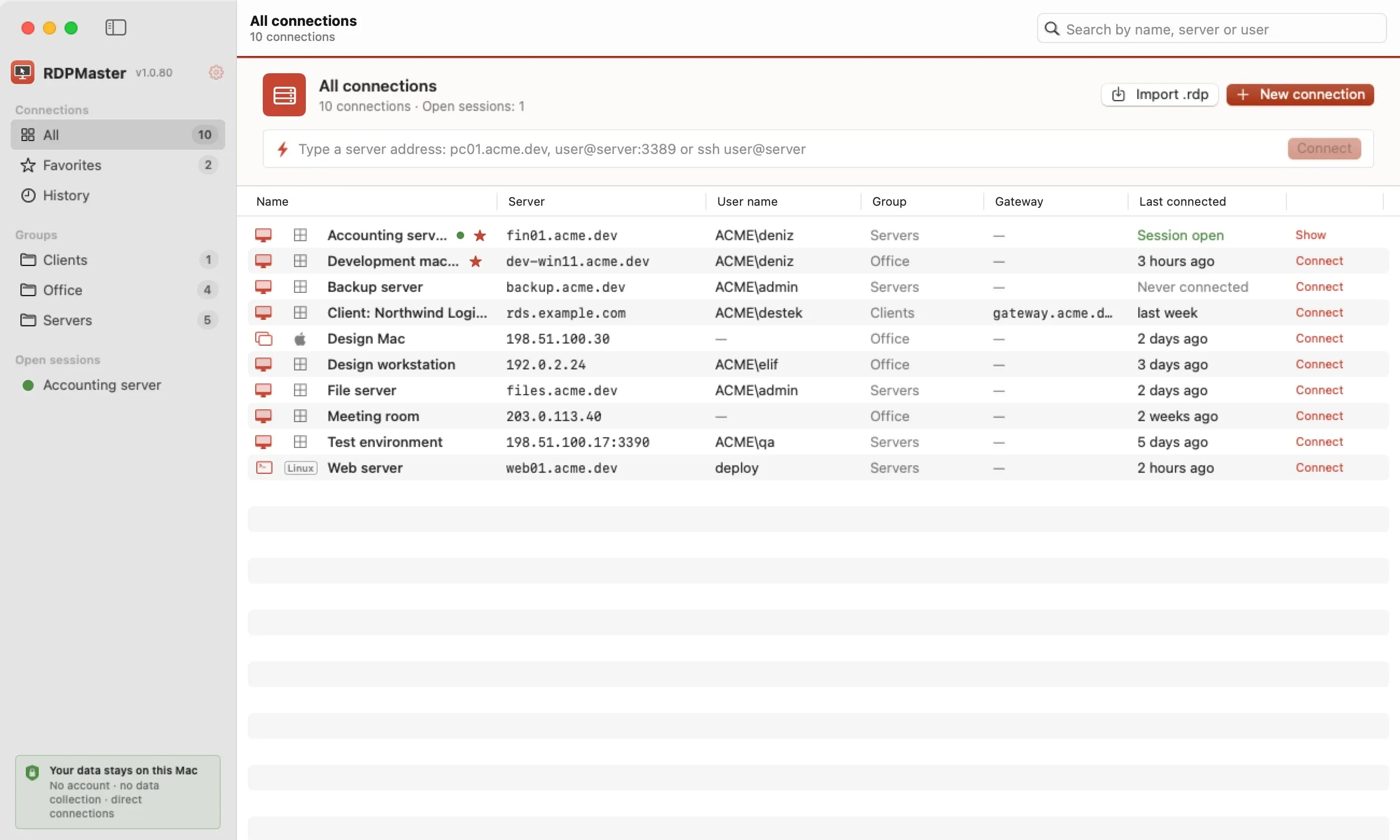
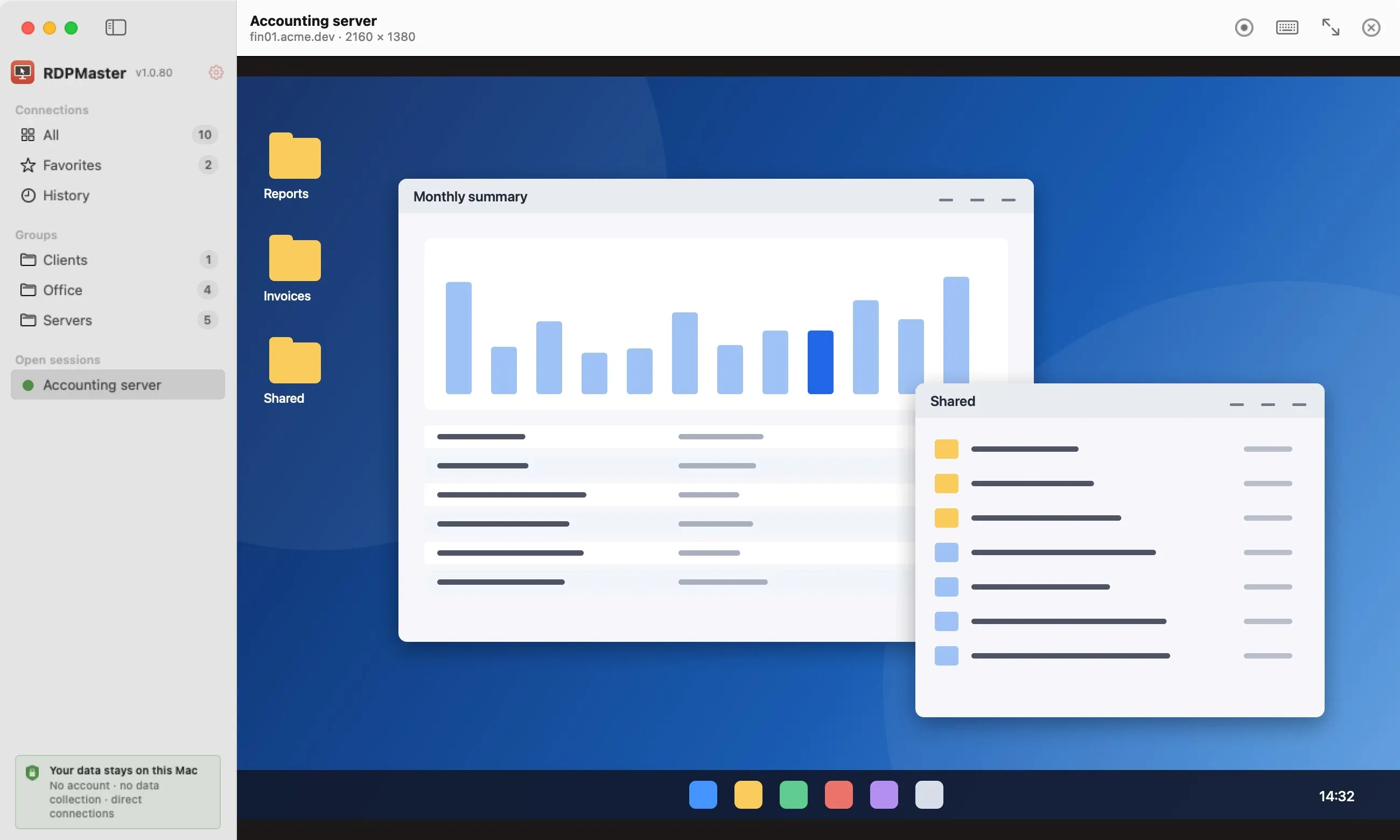
RDPMaster is a remote access client for Mac that brings RDP, SSH, and VNC into one app. Add a server, connect to Windows, Linux, or Mac machines, and keep every connection in one organized list instead of switching between separate tools.
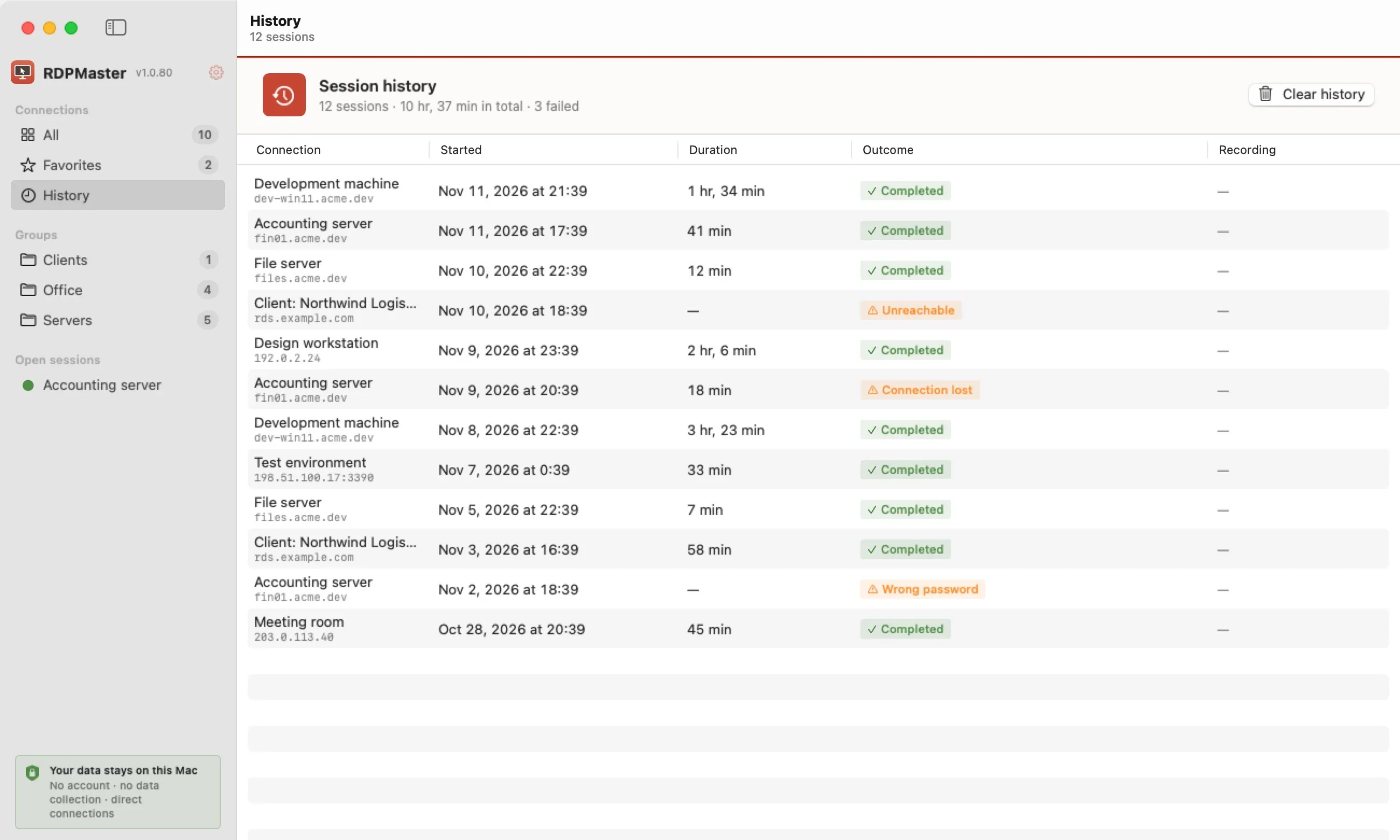
It supports sessions with Network Level Authentication (NLA), TLS, and RD Gateway, and it can record sessions for later review. A menu bar shortcut gives quick access to saved connections.
Features
- Connect over RDP, SSH, and VNC from one window.
- Organize connections with groups, favorites, and search, and import or export .rdp files.
- Record sessions: RDP and VNC as .mov video, SSH as .txt text, with up to 1 GB per recording, according to the developer.
- Edit the Windows registry over SSH on Windows servers.
- Share the clipboard, folders, and sound during sessions.
- Use ssh-agent and entries from ~/.ssh/config for SSH connections.
- Use the app in English, Turkish, or Spanish.
Where it fits
RDPMaster fits administrators, developers, and support staff who manage a mix of Windows, Linux, and Mac machines and want one client for all three protocols. Its main tradeoff is that it is a closed-source app with a short trial and a paid license, and the registry editor works only with Windows servers.
Privacy and requirements
The developer states that RDPMaster connects only to the servers you add and that sessions do not pass through its servers. According to the developer, data stays on your Mac, there is no account or tracking, passwords are stored in the macOS Keychain, and recordings stay on your Mac. The app requires macOS 14 or later and supports both Apple Silicon and Intel Macs.
Pricing
RDPMaster offers a 14-day free trial with all features unlocked and no card required. After the trial, a one-time $5 license covers one Mac for life, with no subscription. The developer also lists a 14-day money-back guarantee.