
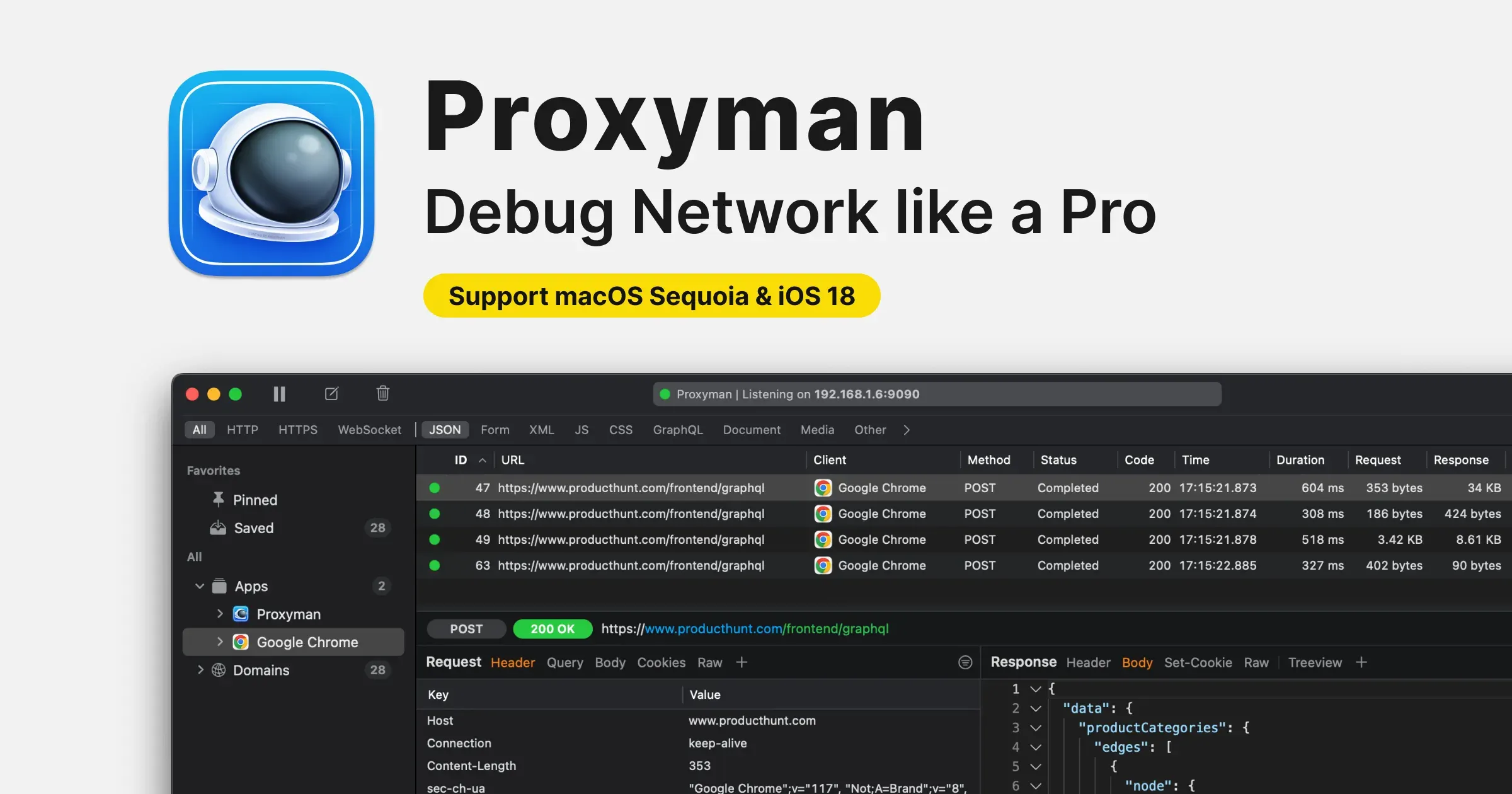
Proxyman is a native macOS HTTP and HTTPS debugging proxy. It captures network requests and responses, decrypts traffic when the required certificate setup is in place, and gives developers tools to inspect, filter, modify, mock, and replay network behavior.
Use it when an app, website, simulator, or device is making a request that needs diagnosis. Filter away noise, inspect headers and bodies, set a breakpoint, map a response to a local file, or compose a request without changing client code just to test an API path.
Features
- Capture and inspect HTTP, HTTPS, WebSocket, GraphQL, and supported realtime traffic.
- Filter by domain, URL, headers, body, content type, and other criteria, then save useful filters.
- Use breakpoints, Map Local, Map Remote, no-cache rules, scripting, and request/response editing for debugging and mock scenarios.
- Inspect traffic from iOS and Android devices, simulators, emulators, and supported backend development environments.
- Compose requests, import cURL, reuse history, and inspect formatted responses in one workspace.
- Use current MCP support to let approved AI tools analyze a debugging session, while reviewing their output and access.
Where it fits
Proxyman fits application, web, and API developers who need to understand real network behavior. It is a serious debugging tool, not a general network monitor.
Never intercept traffic without permission or share captures without removing secrets. Keep its certificate, proxy, and team-workspace controls narrowly scoped to the work at hand.
Privacy and requirements
Proxyman requires macOS 13 or later. To inspect HTTPS traffic it installs and trusts a local certificate and acts as a proxy, which gives it access to highly sensitive request and response contents.
Logs can remain local, but sharing, team workspaces, scripts, and external devices expand the exposure. Remove certificates and proxy settings when they are no longer needed.
Pricing
Proxyman includes a free tier. Pro $89 one-time purchase.