
Meet Ardia.Keep an Arc-style sidebar with Chrome extensions, built-in blocking, and encrypted iCloud sync.

About Ardia
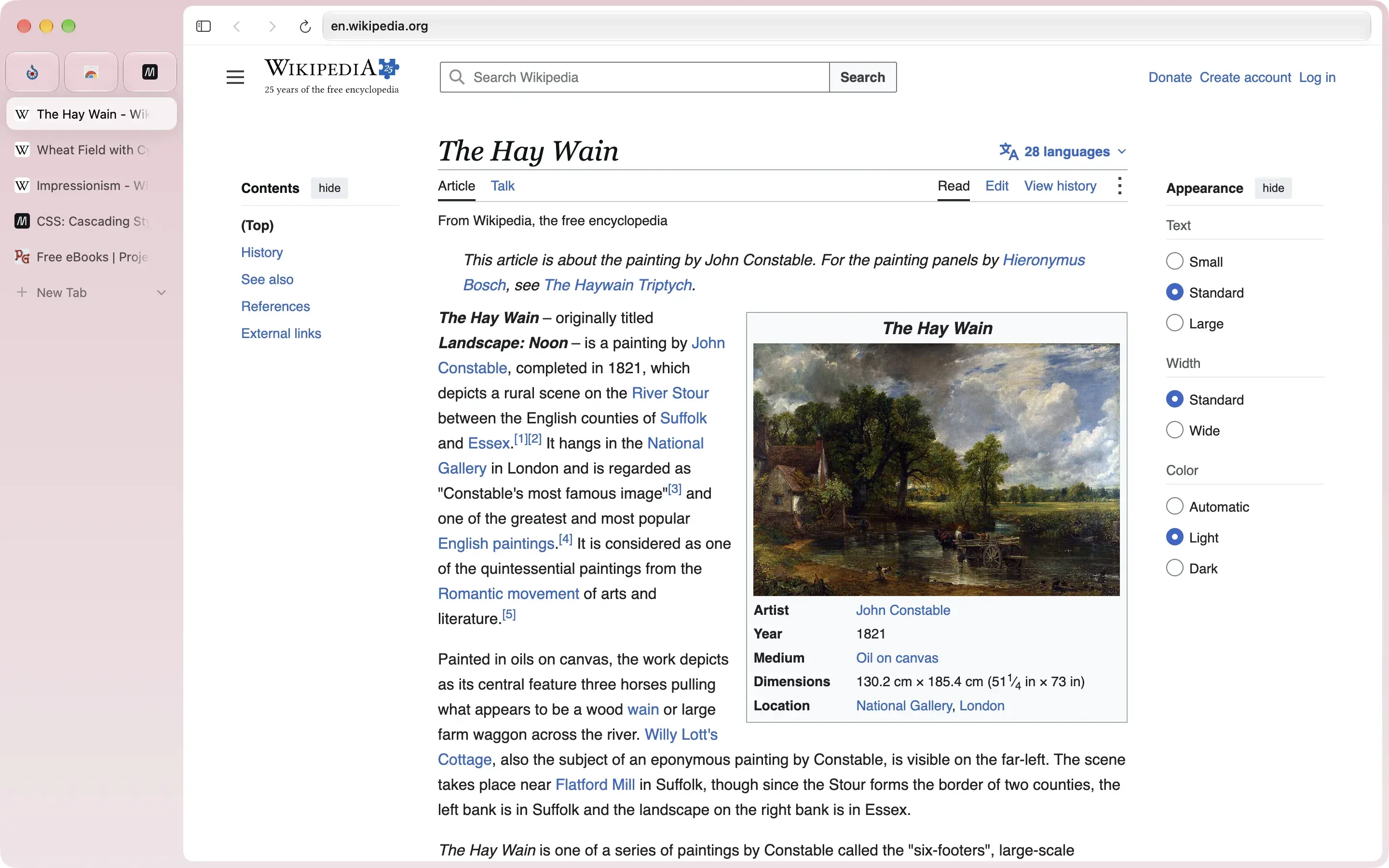
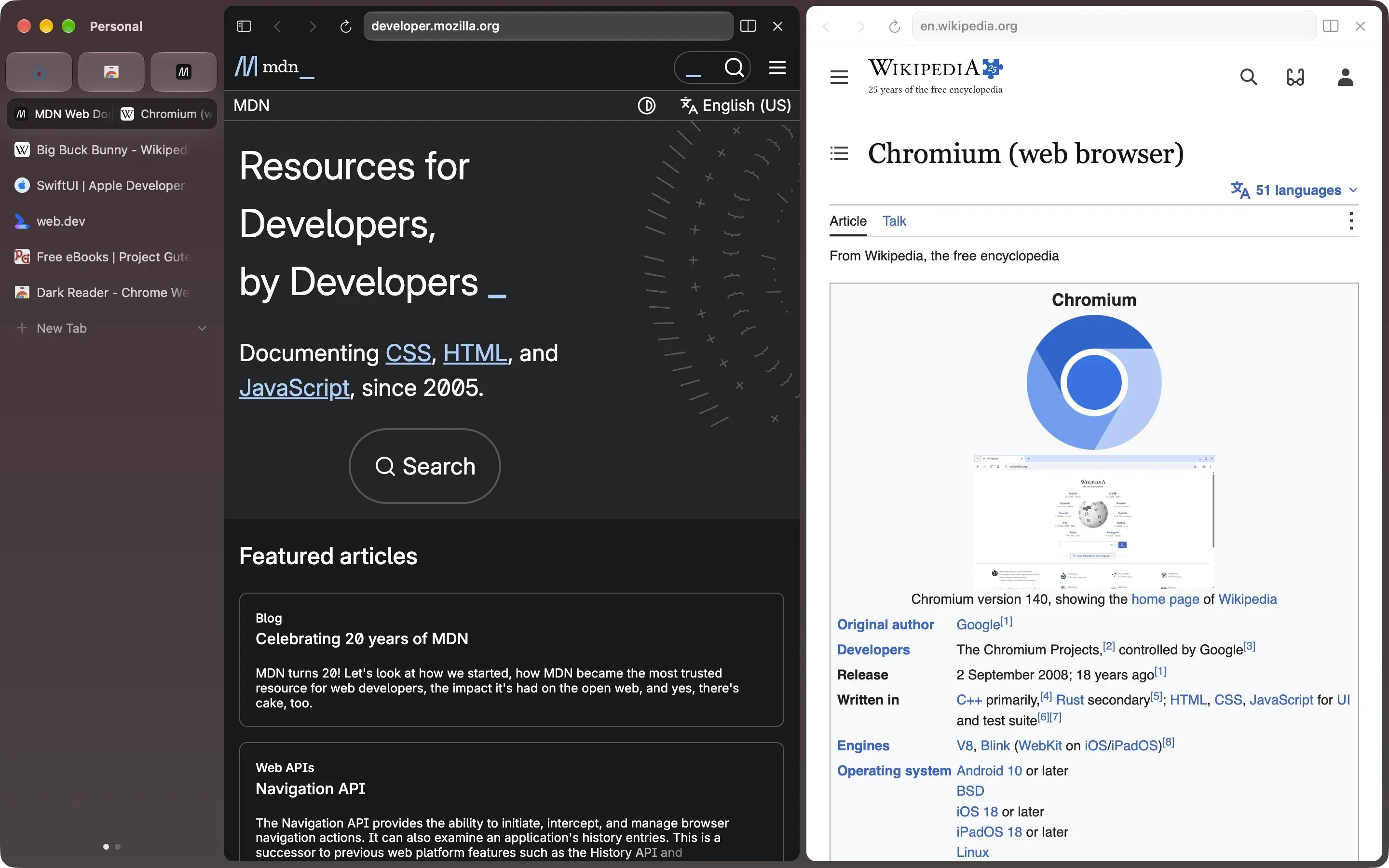
Ardia is a free, open-source browser for Apple silicon Macs. It pairs an Arc-style sidebar with Chromium, giving people leaving Arc a familiar way to organize tabs while keeping Chrome extension support.
Features
- Import Arc Spaces, pinned tabs, names, and themes alongside browsing data.
- Keep separate logins, history, and extensions in profiles.
- Arrange up to three pages in split panes.
- Install Chrome Web Store extensions and use built-in uBlock Origin.
- Sync through your own iCloud Drive with end-to-end encryption.
- Search tabs, bookmarks, and history from the command bar.
Where it fits
Ardia suits Arc users who want sidebar browsing and Chromium compatibility. Intel Macs are unsupported. The developer documents partial passkey support and a WebKit fallback for protected streaming while Chromium Widevine support remains unavailable.
Privacy and requirements
Requires macOS 14 Sonoma or later and Apple silicon. According to the developer, Google background services are removed. The app sends an anonymous daily activity count with app and macOS versions, counts update checks, and fetches a launch configuration file. Additional diagnostics are opt-in; browsing sites and searches are excluded.
Pricing
Free and open source, with no paid tier.
Sources
 Dia
 Helium
 Orion
 Yet Another Browser